Switching points and signals 31
While switching points and signals, it is still possible to
control the speed and direction of the displayed locomotive
using the rotary knob. This allows you to switch points
during shunting manoeuvres.
6.1 Displaying the point setting
6.1.1 Using non-feedback-capable point decoders
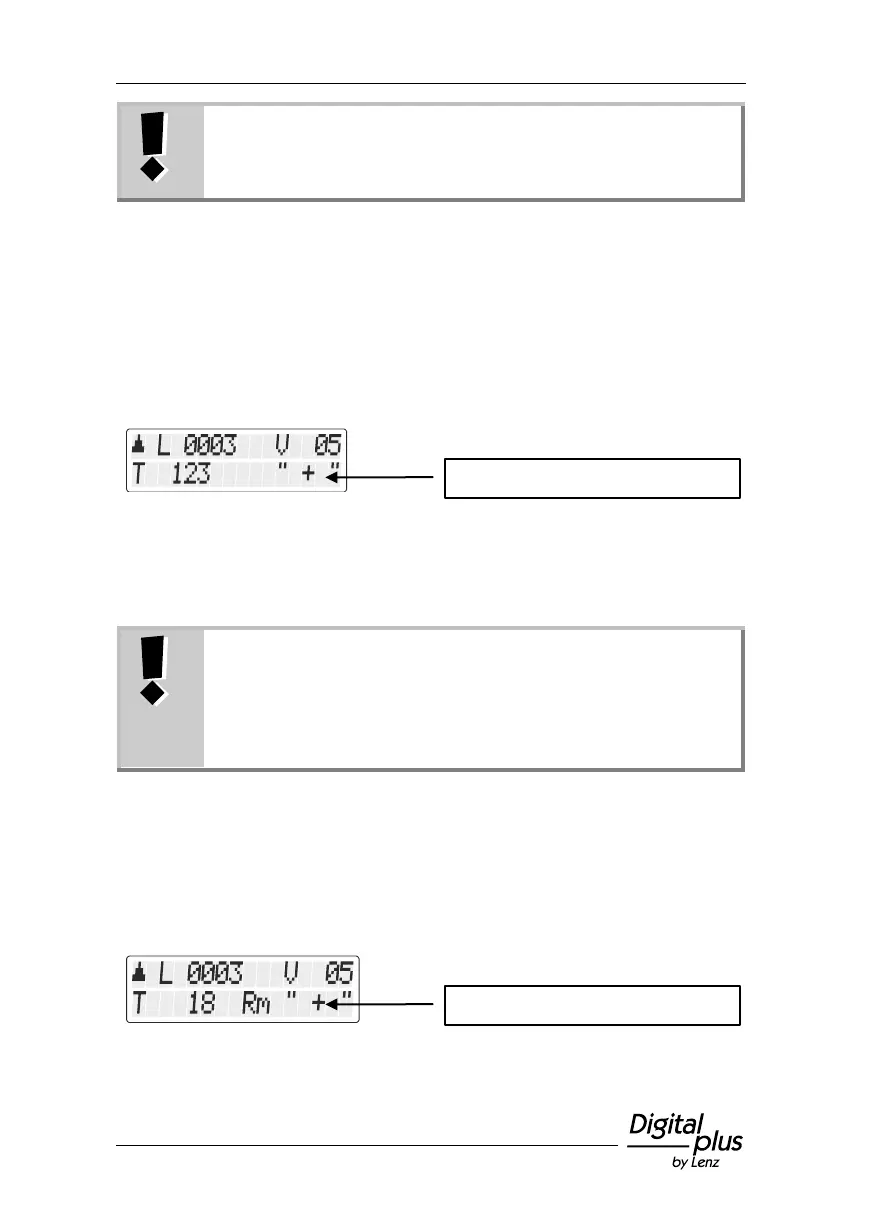
In this case, the last command sent to the switch decoder is displayed.
The display of the LH101 changes automatically when the point or
signal setting is changed by another LH101 (or another XpressNet
device).
6.1.2 Using feedback-capable point decoders
When using the feedback-capable LS100 switch decoder, the actual
point setting can be displayed.
Requirements:
- Use of a feedback-capable LS100 switch decoder
- Wiring of the feedback bus (R,S) to the command
station
- End-of-stroke-off point drives or
- feedback contacts at the point drives
Let us assume that point no. 18 has an end-of-stroke-off drive and is
correctly connected to a LS100 switch decoder. Enter the point
number (see above). The command station informs the manual control
that it is dealing with a feedback-capable switch decoder and now
shows the following:
Display of the point setting
Display of the point setting



 To Next Page