90 Operating manual LH101
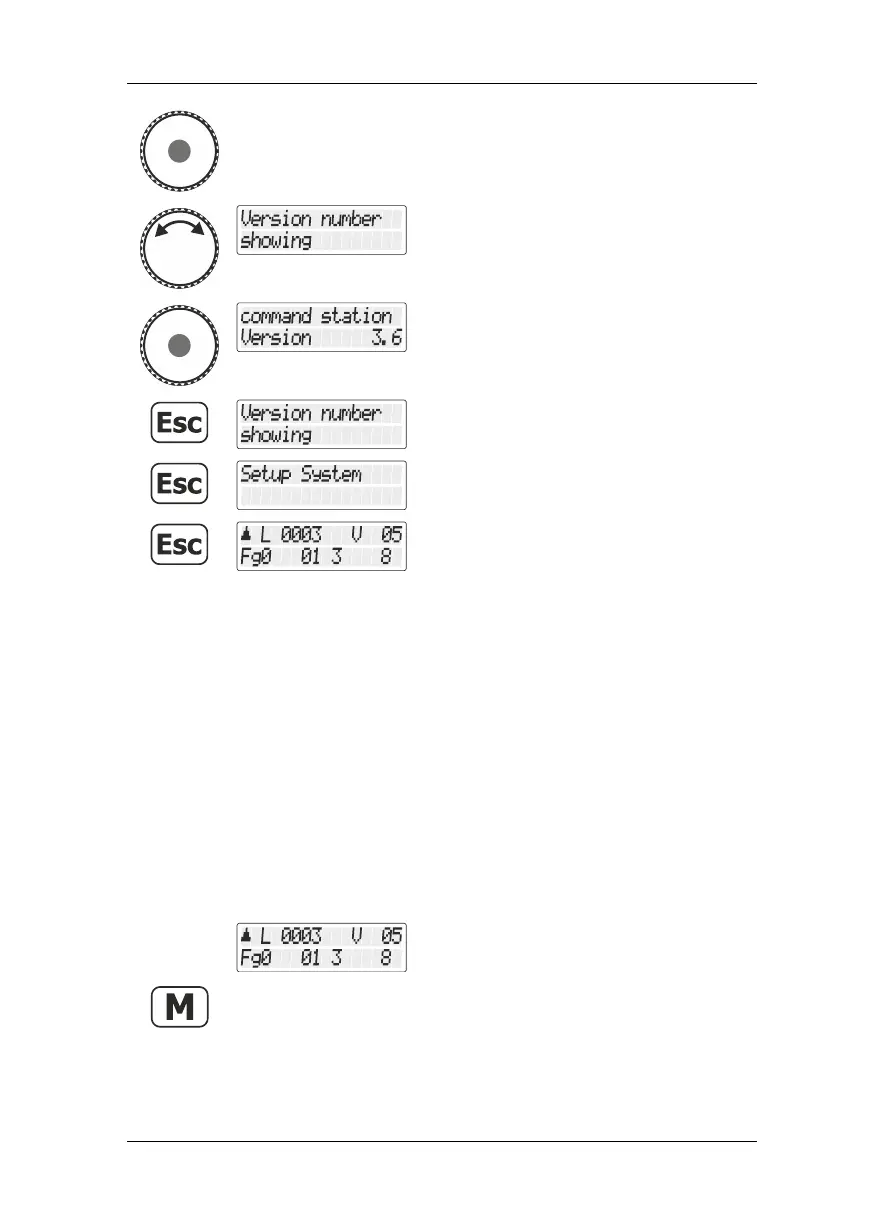
Press the rotary knob to select this option.
Turn the rotary knob until the option
"Versionsnummer anzeigen/Displaying
version number" is displayed.
14.3 Deleting locomotive addresses from the
command station memory
The LZ100/LZV100/LZV200 command station repeatedly sends
operating data to all locomotive addresses contained in its memory.
To avoid sending more addresses than necessary (and to optimise the
reaction time), you can delete locomotive addresses from the memory
that are not required for operation.
To delete locomotive addresses from the command station memory,
proceed as follows:
Select the locomotive address that is to be
operated in club mode 1 or 2.



 To Next Page