22 Operating manual LH101
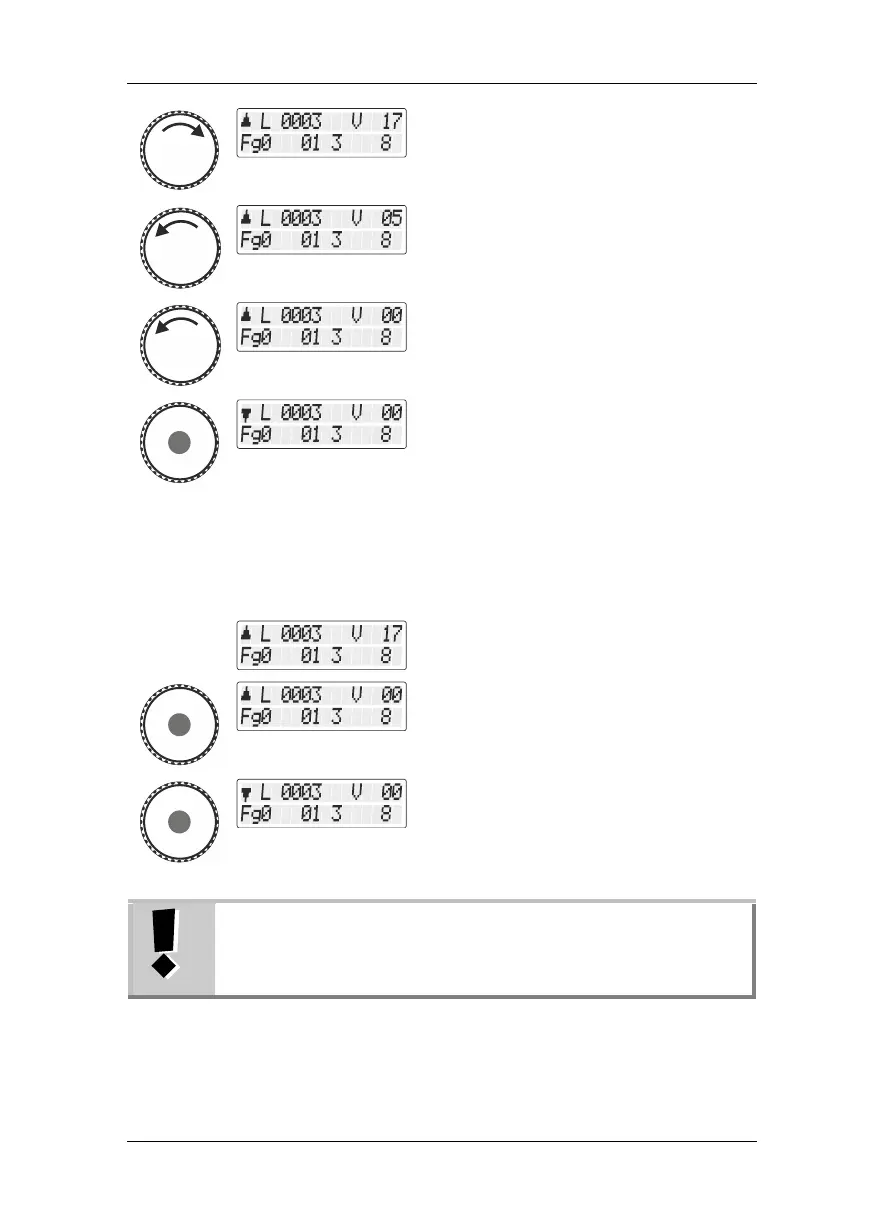
A counter clockwise turn decreases the
speed step …
Press the rotary knob while in speed step 0 to
change the direction of travel.
5.2.1.1 Locomotive-specific emergency stop
If the speed step of a locomotive is not 0 and
you briefly press the rotary knob …
… you effect an emergency stop for the
selected locomotive. The locomotive stops
without the set braking delay.
Press the rotary knob again to change the
direction of travel.
The locomotive-specific emergency stop is not available in
the shunting mode. If you press the rotary knob, the
locomotive stops with the braking delay set in the
locomotive decoder.



 To Next Page