System setup 89
… and press the button to confirm the
setting. Press the 'ESC' key to leave the
menu without changing the setting.
The LH101 returns to “Controlling
locomotive”.
14.1.1 System behaviour with "AUTO" mode enabled
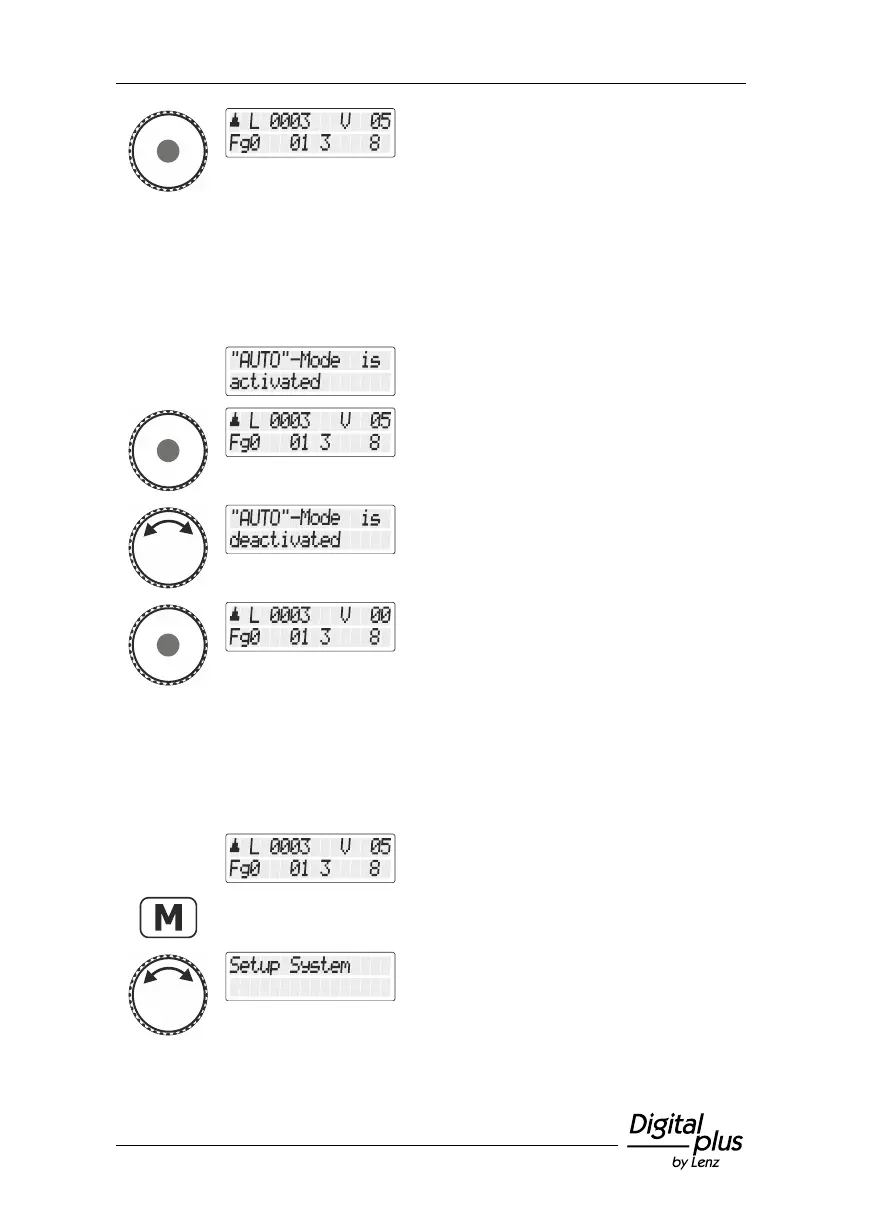
If you turn the LZ100/LZV100/LZV200 command station on while the
"AUTO" mode is enabled, you will see the following display:
If you want your locomotives to accelerate at
their previous speed, press the rotary knob.
If you don’t, turn the rotary knob and confirm
the setting.
Now, the speed information saved in the
LZ100/LZV100/LZV200 command station is
deleted. The direction and function
information is saved.
14.2 Displaying the system version number
Select the locomotive address that is to be
operated in club mode 1 or 2.
Turn the rotary knob until the option "Setup
System/System setup" is displayed.



 To Next Page