Multiple traction (MTR) 53
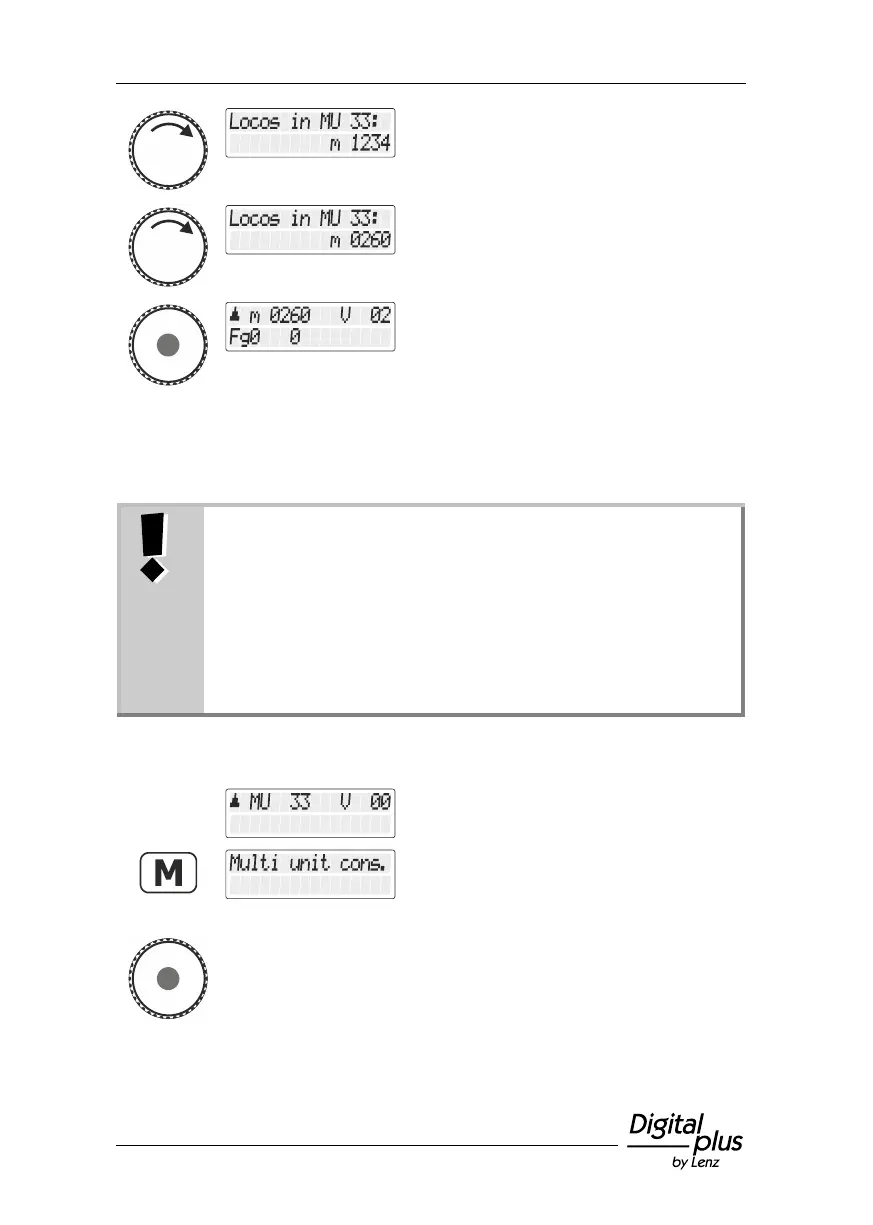
Turn the rotary knob to scroll through the
locomotives that are part of the MTR.
Press the rotary knob to select the desired
locomotive.
10.6 Deleting a locomotive from a multiple traction
You can delete any locomotive that is part of an MTR at any time.
When deleting a locomotive from an MTR, this locomotive
must be located on the layout! Only then can the
locomotive decoders receive the special MTR commands
sent over the track!
If a command to delete does not reach the locomotive
decoder (due to bad contact or because you have removed
the locomotive from the layout), the MTR address saved in
the locomotive decoder is not deleted and the locomotive
cannot be operated with its own address.
Call up a locomotive that is part of the MTR
or the MTR address itself.
Press the 'M' key. Since you have selected
an MTR or a locomotive that is part of the
MTR, you are offered the option
"Mehrfachtraktion/Multiple traction".
Press the rotary knob to select the option.



 To Next Page