Controlling locomotives 29
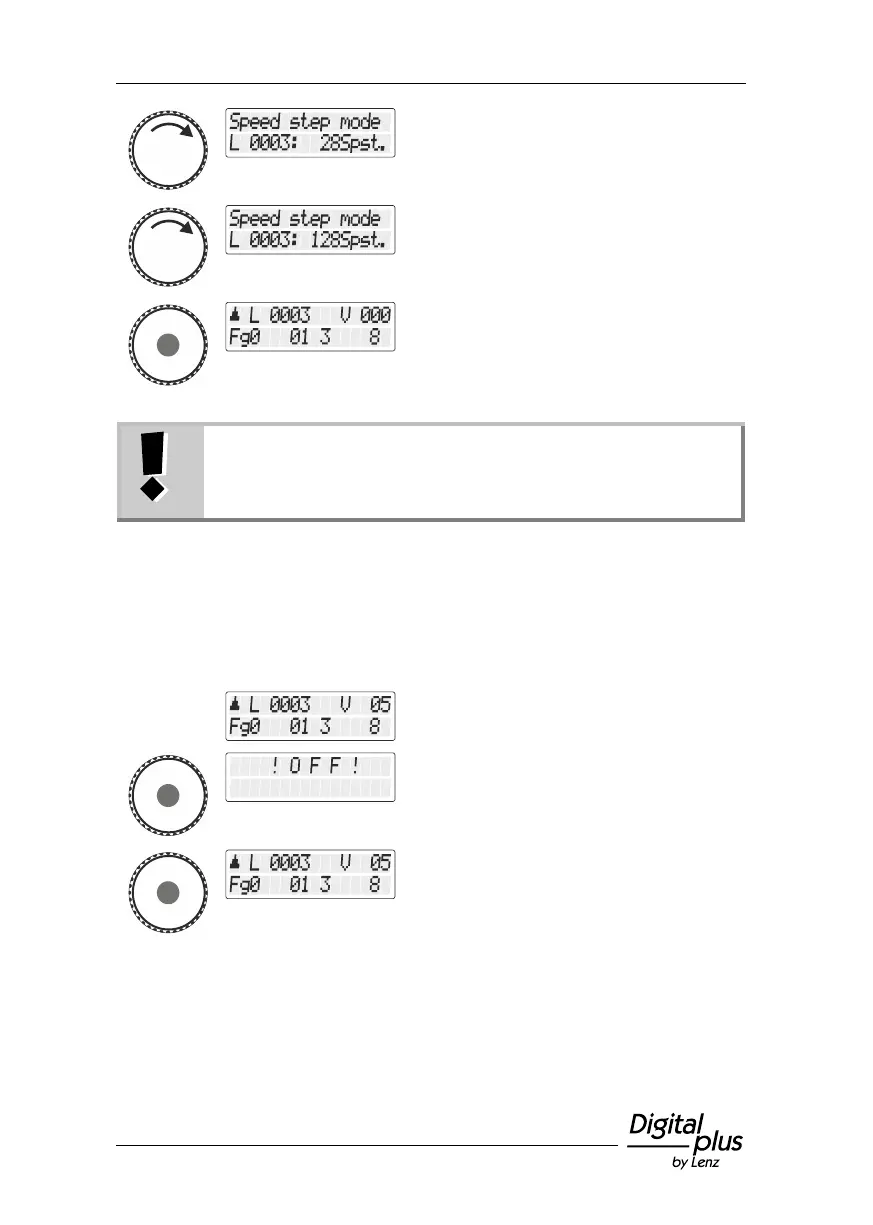
Press the rotary knob to assign a specific
speed-step mode to the locomotive address.
In "128 speed steps" mode, speed step "0" and the
"emergency stop" are counted as speed steps. The
maximum speed step which is therefore displayed in this
mode is "126".
5.5 Emergency off
Press the rotary knob and keep it pressed
until "OFF" is displayed.
The track voltage is now turned off.
To turn the track voltage back on, press the
centre of the rotary knob again until the
locomotive address is displayed again.


 To Next Page