38 Operating manual LH101
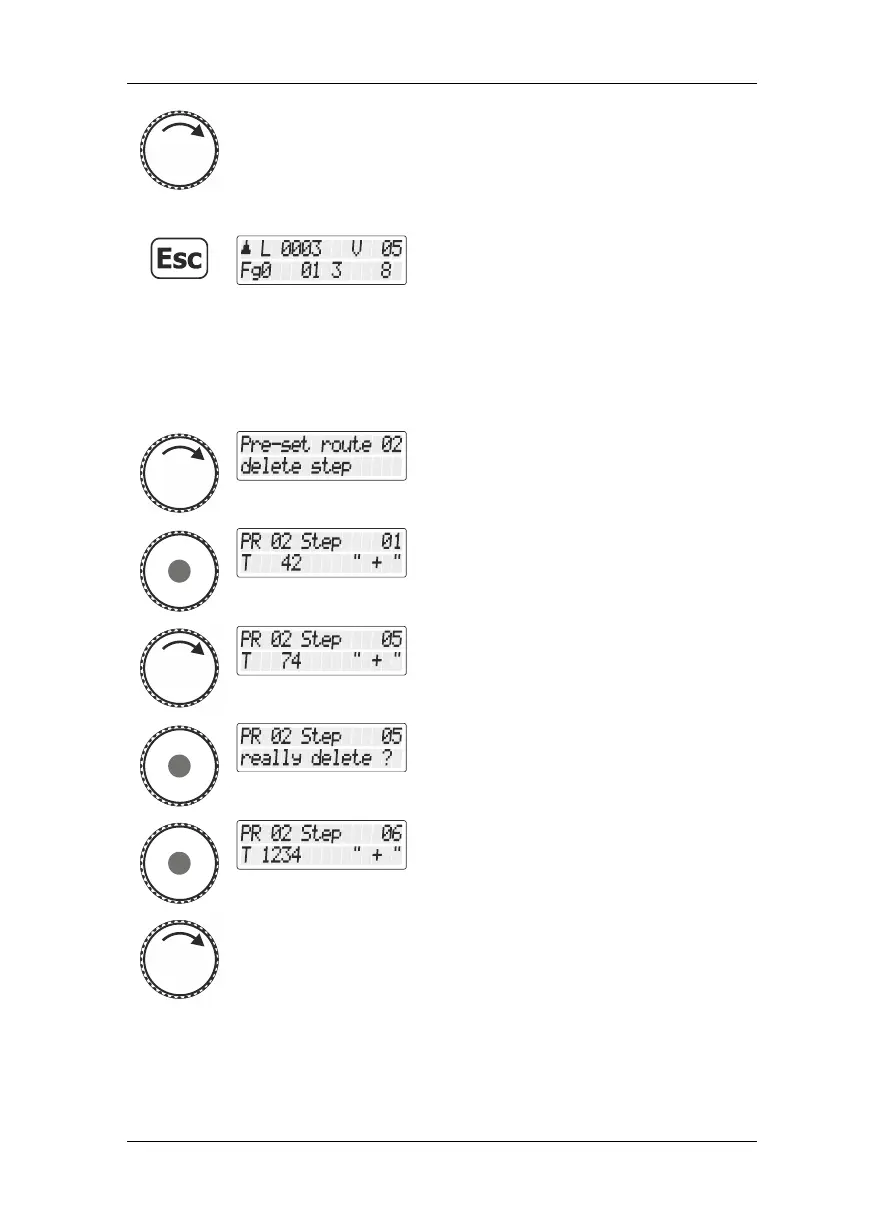
… select another step for editing …
… press the ‘Esc‘ key to leave the menu
"Fahrstraßen bearbeiten/Edit routes" and
return to “Controlling locomotive”.
7.2.2 Deleting a step from a route
Proceed initially as described in the section "Editing a route", page 35.
Select the option "Schritt löschen/Delete
step" …
… press the rotary knob to confirm your
selection.
The first step of the selected route is
displayed.
Scroll to the step that you want to delete.
Confirm the selection of the step. A security
query is displayed.
You can now
press the rotary knob to permanently delete
the selected step …
and select another step for editing …



 To Next Page