80 Operating manual LH101
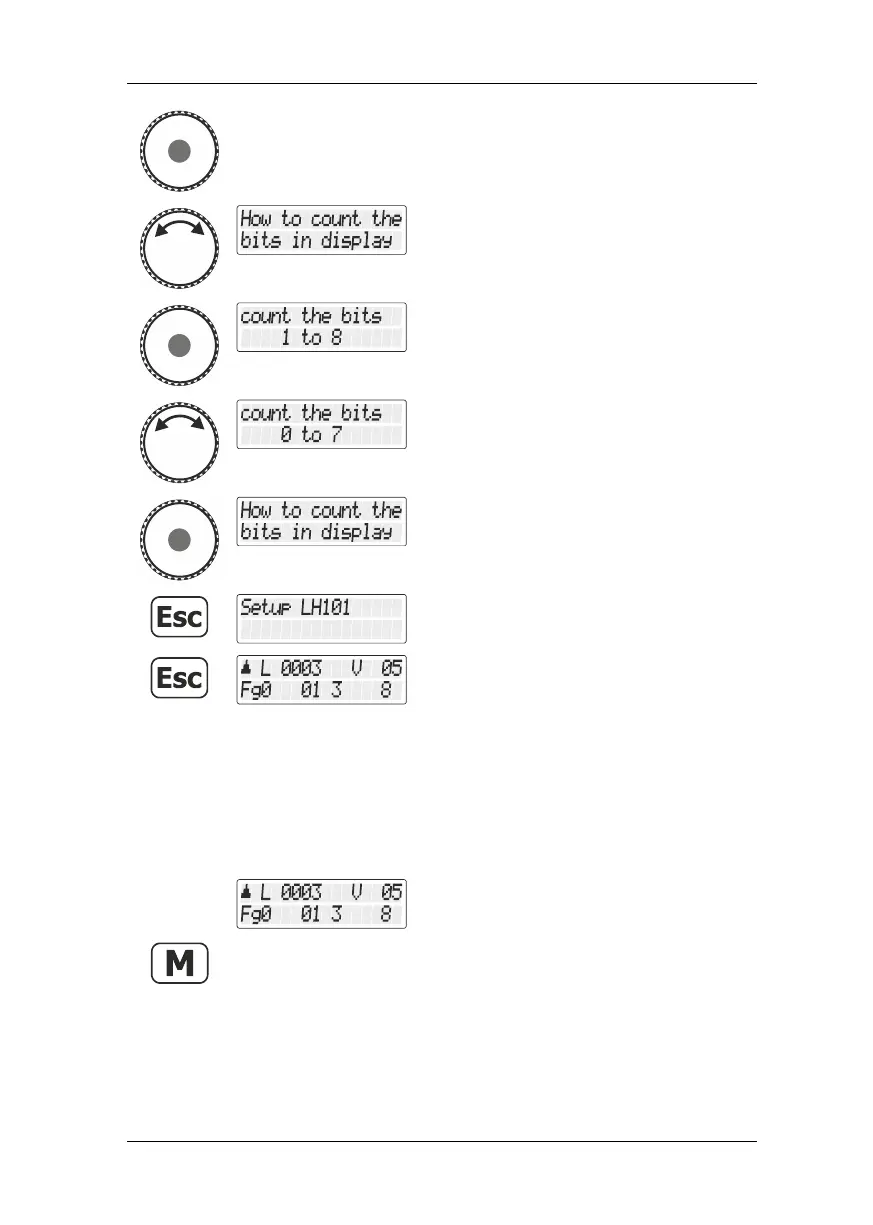
Press the rotary knob to select this option.
Turn the rotary knob until the option
"Zählweise Bitdarstellung/Counting method
bit representation" is displayed.
Press the rotary knob to select this option.
The current setting is displayed.
Turn the rotary knob to select an option …
… and press the rotary knob to confirm your
selection.
… and “Controlling locomotive”.
13.4 Display brightness
Use this option to set the brightness of the LCD background lighting.
Select the locomotive address that is to be
operated in club mode 1 or 2.



 To Next Page