10 Operating manual LH101
3 First steps
In this section, you will learn:
- to connect your LH101 to the LZ100/LZV100 command station
- to operate your first train
The sections further below explain all the functions of the LH101 in
detail.
3.1 Connection and initial operation
The LH101 may be connected to the following components of the
Digital plus by Lenz
®
system:
LZ100 or LZV100 command station from version 3.6 onwards.
As is the case with all XpressNET devices, the LH101 can be
disconnected and reconnected during operation. Use this advantage of
the XpressNet: Mount several LA152 adapter (art. no. 80152) on your
layout. This will enable you to use the LH101 right at the centre of
action.
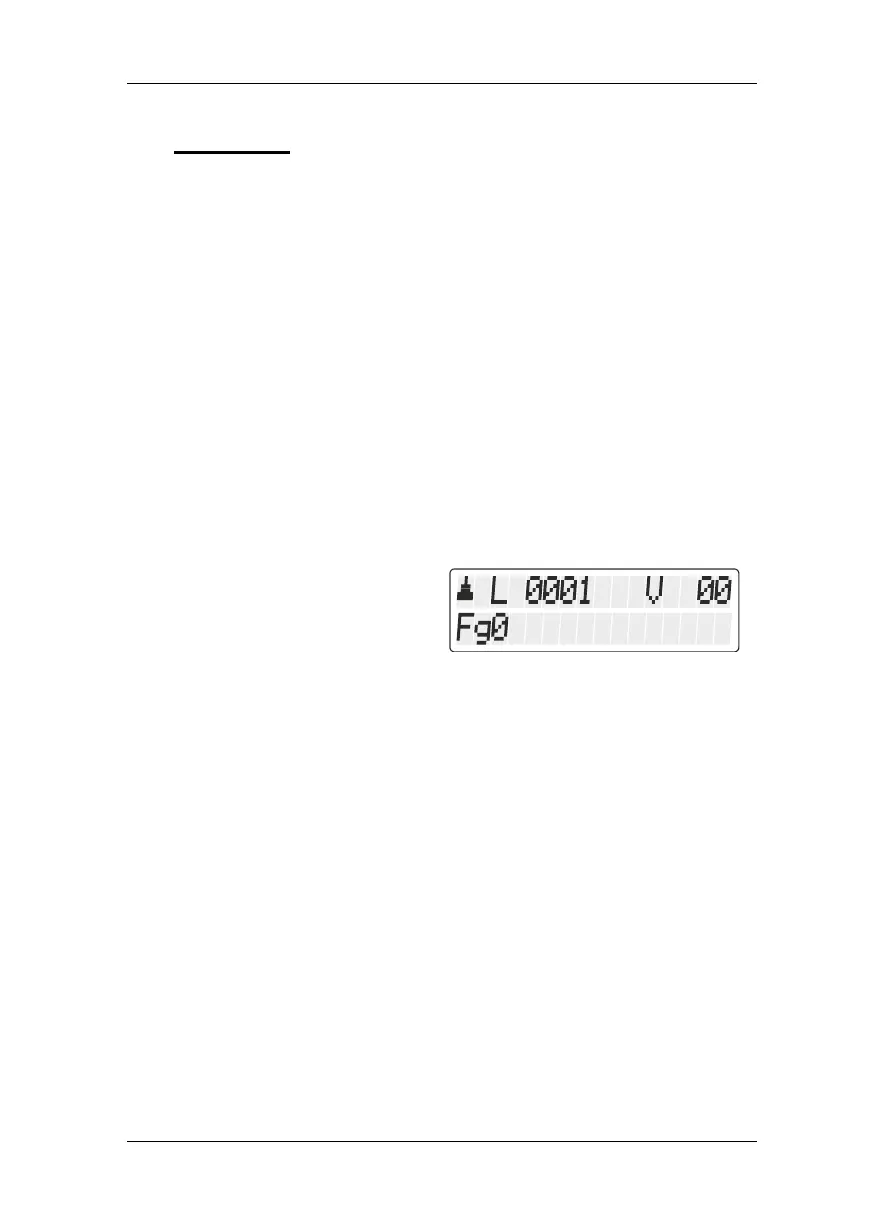
After connection, the manual
control will display the locomotive
address controlled last. During
initial operation, address 1 will be
displayed.
3.1.1 Connection to the LZ100/LZV100 command station
Plug the 5-pin DIN connector
- into the 5-pin DIN socket at the back of your LZ100/LZV100
or, if you have already installed an XpressNET (XBUS) wiring on
your layout,
- into a LA152 adapter.
3.1.2 Setting the XpressNET address
All input devices connected to the XpressNet (XBUS) must have their
own unique device address for the information exchange with the
command station to function correctly. You must therefore make sure
that all connected devices have different device addresses. Depending
on the command station used, up to 31 devices may be connected to
the XpressNet. Ex-factory, each LH101 manual control is set to


 To Next Page