149
INSTALLER SETTING
148
INSTALLER SETTING
ENGLISH
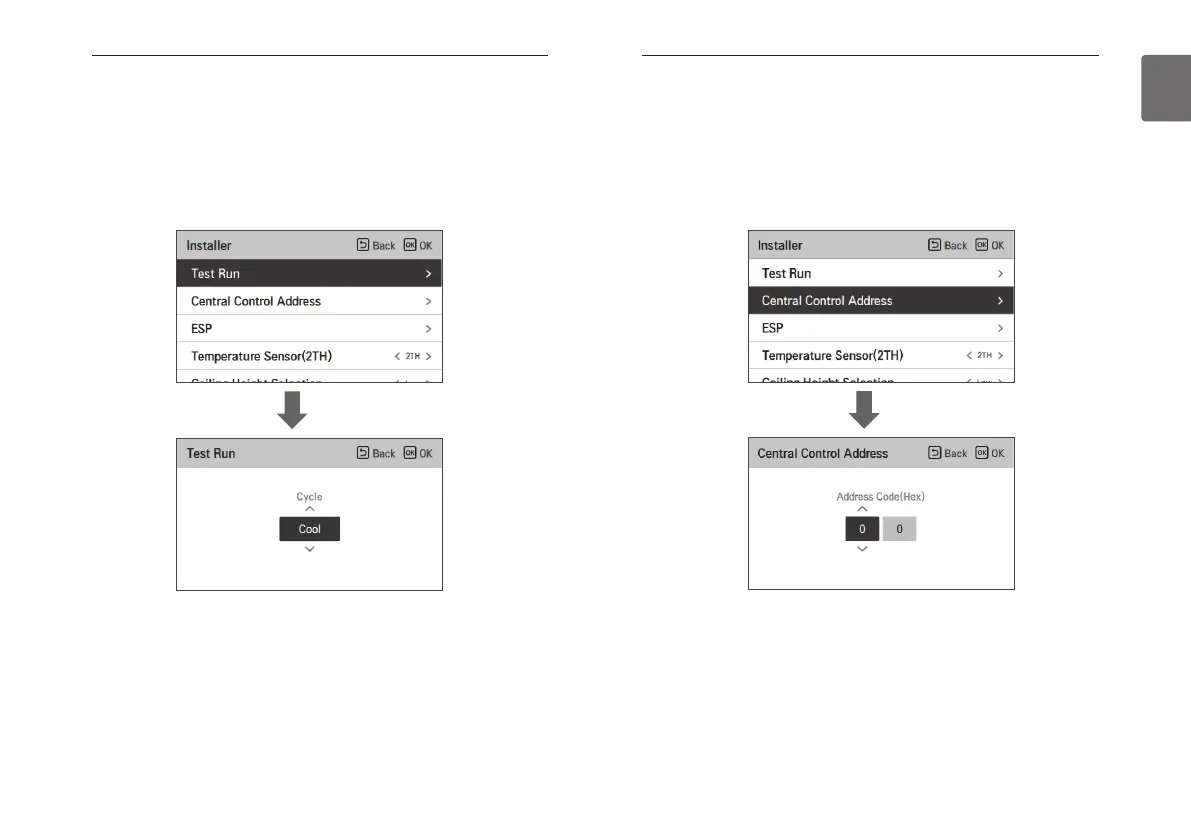
Test run setting (air conditioner / DX ventilator)
After product installation, the Test run must be performed. For Test run related details, refer to
the product manual.
• In the installer setting list, select the Test run setting category, and press [OK] button to move
to the detail screen.
- You can select ‘cooling Test run / heating Test run’
- During the Test run, if you start the following functions, the Test run stops.
☞ Operation mode, desired temperature, fan speed, wind direction, start/stop
OK
Central control address setting (air conditioner / general, DX
ventilator)
It is the function to set the central control address of the indoor unit to allow communication with
a central controller,
• In the installer setting list, select the central control address setting category, and press [OK]
button to move to the detail screen.
- Select a hex value between 00 and FF.
Value 1: group address setting / value 2: indoor unit address setting
OK



 To Next Page