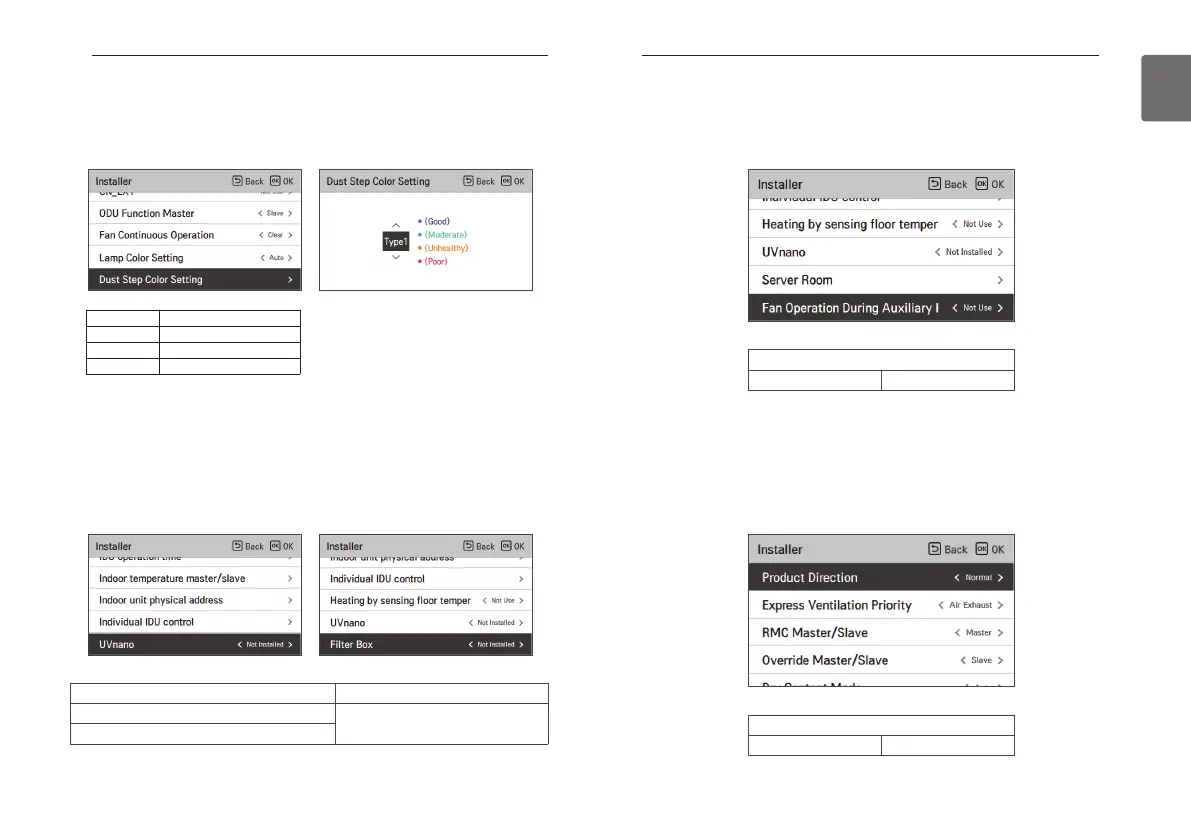
Product direction (general ventilator)
It is the function to set the direction of the ventilation product.
• Select value using [<,>(left/right)] button.
Value
Normal Reverse
Fan Operation During Auxiliary Heater Only
This is a function to set the indoor unit fan to be used even when the Auxiliary heater is operating
alone.
• You can set the following setting values using [<,>(left/right)] button.
Value
Not use Use
* The dust step color may not be displayed in some products.
Value Step
Type 1 4Step(for Korea)
Type 2 4Step(for Global)
Type 3 6Step(for China)
UVnano / Filter Box
It is the function to set whether to mount option unit (UVnano/Filter box) when it is additionally
installed or removed after the mass production
• You can set the following setting values using [<,>(left/right)] button.
Function Value
UVnano
Not Installed / Installed
Filter Box
Dust step color setting
This function is to set the dust step color.
• In the install setting list, select the dust step color setting category and press [OK] to open the
details window.
193
INSTALLER SETTING
ENGLISH
192
INSTALLER SETTING



 To Next Page