LU Remote Control
109
The following describes how to check the actual port through which the
LU-1000 server communicates with the Remote Control application.
On the LU-1000, browse to the following folder:
C:\Program Files\LiveU\appData\ config\
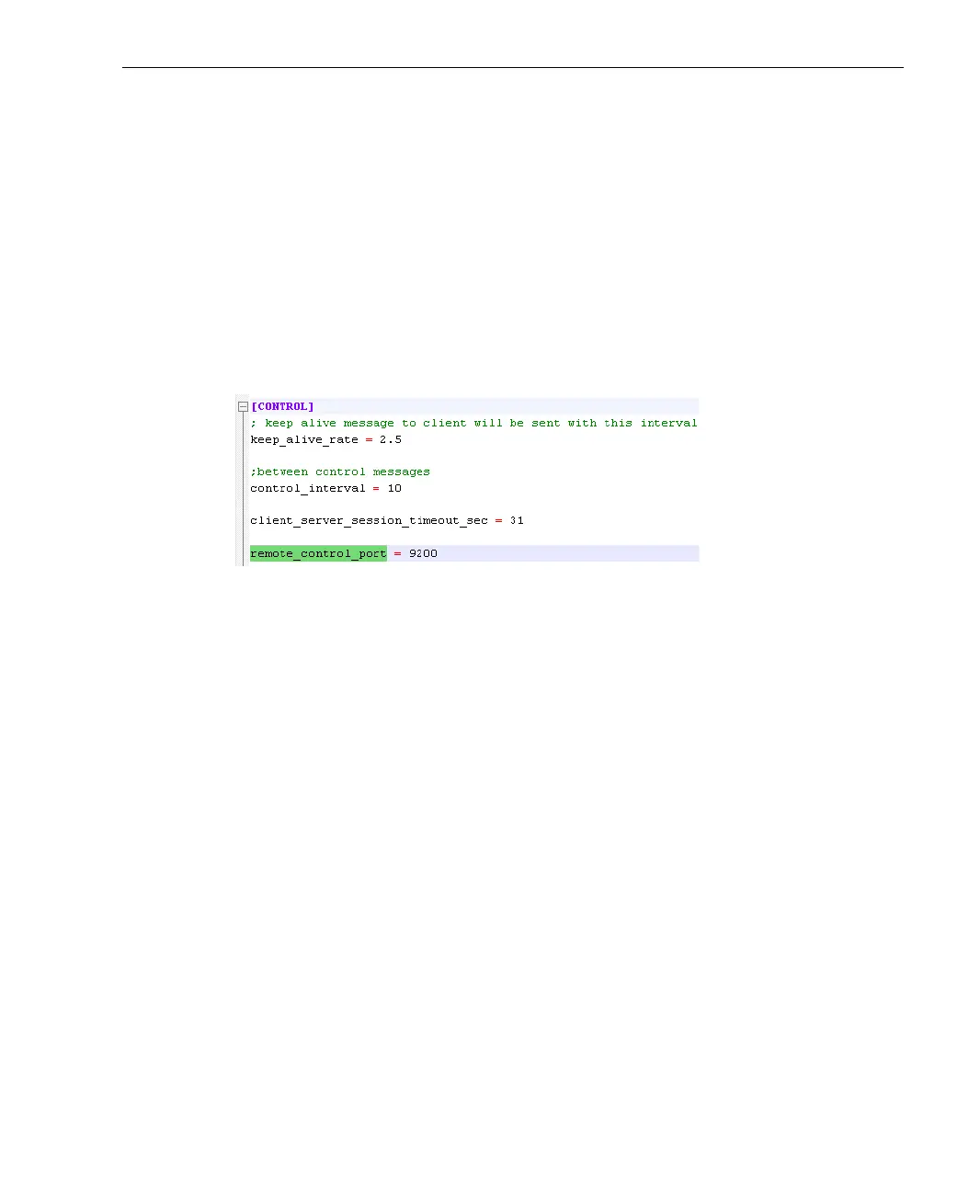
Open the server.ini file using a standard text editor. In the section
called [Control], the remote_control_port parameter specifies the
port through which that LU-Server communicates with the Remote
Control application.
For example, as shown below:
Figure 89: Configuring Remote Control – 2
6 Create a ServerData section for each LU-1000 that is connected to the LU
devices that you want to control remotely and perform steps 3 through 5
for each one.



 To Next Page