Getting Started
31
Checking Interface Quality
It is not mandatory, but you may want to check the quality of your interfaces
before starting transmission, meaning before pressing the Transmit button.
You may also decide to check the quality of the interfaces after a long time has
passed since calibration was performed (meaning since the Connect button
was pressed) or immediately after transmission conditions have changed (for
example, from stationary to driving).
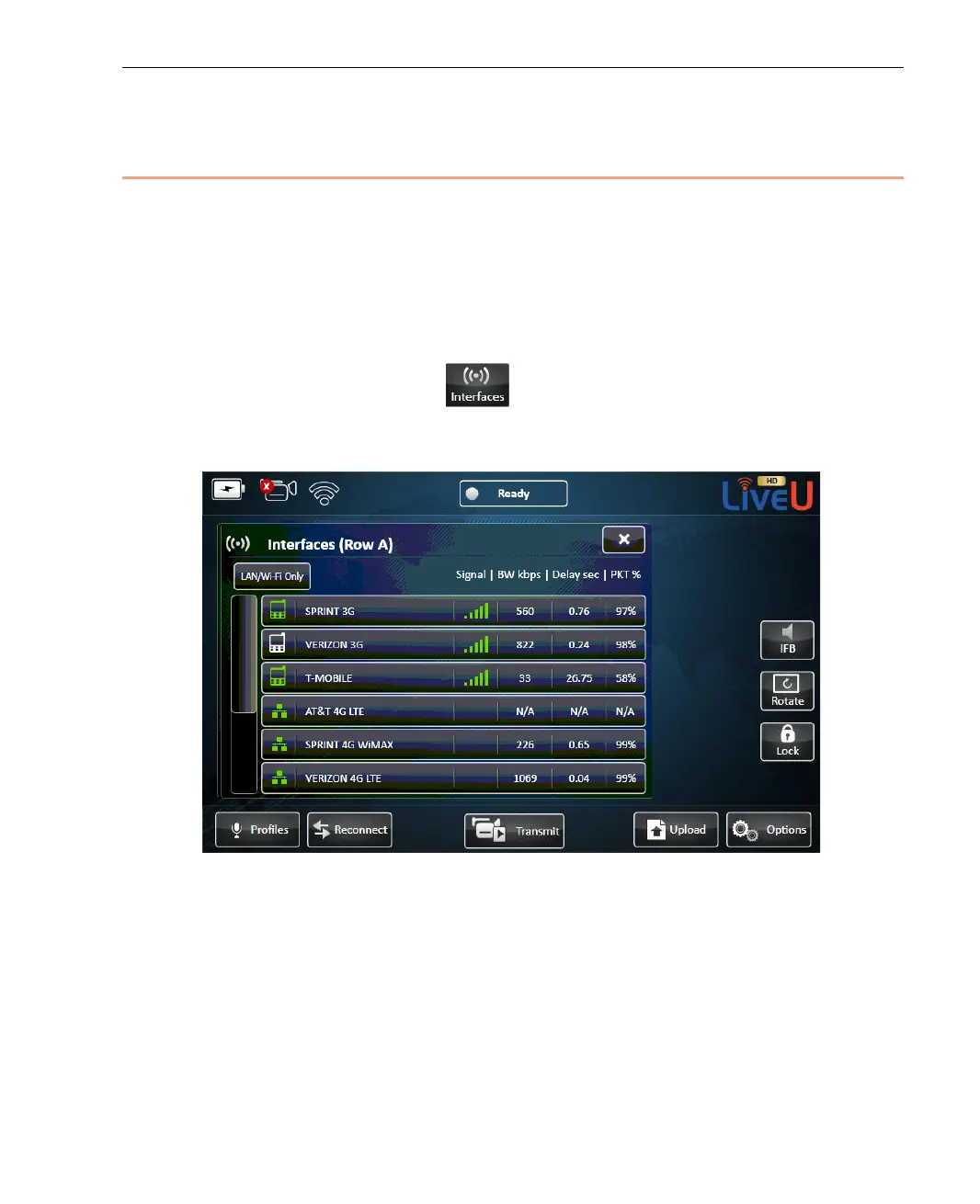
Tap the Interfaces button
to view the interfaces (cellular modems,
Wi-Fi, LAN and so on) of the LU. The Interface table shows a list of all of the
interfaces to which the LU unit is able to connect, as shown below:
Figure 17: Interface Table



 To Next Page