LU Battery
123
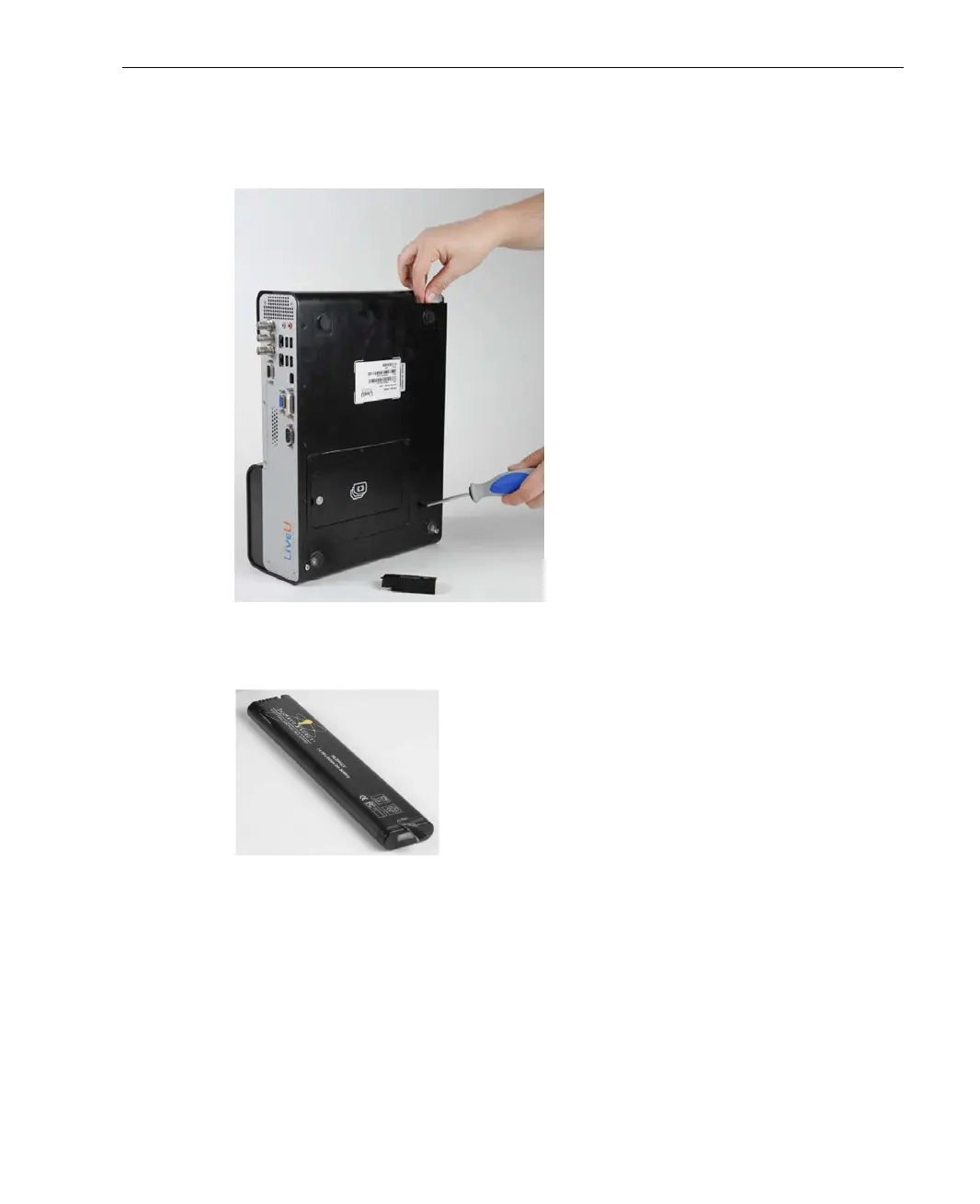
3 Push a thin screwdriver into the hole on the back of the unit and lift out
the battery with the other hand, as shown below:
Figure 106: Pulling Out the Battery
The battery is shown below:
Figure 107: LU60/LU70 Battery
4 Insert another battery, making sure to align the electrical contacts on the
battery with the socket inside the LU60/LU70.
5 After the battery is in place, replace the battery cover sliding it into place
until hearing a small click.
6 Charge the battery, if needed, as described in the Charging the LU60/LU70
Battery section on page 121.



 To Next Page