LiveU Live Video Uplink System User Guide
54
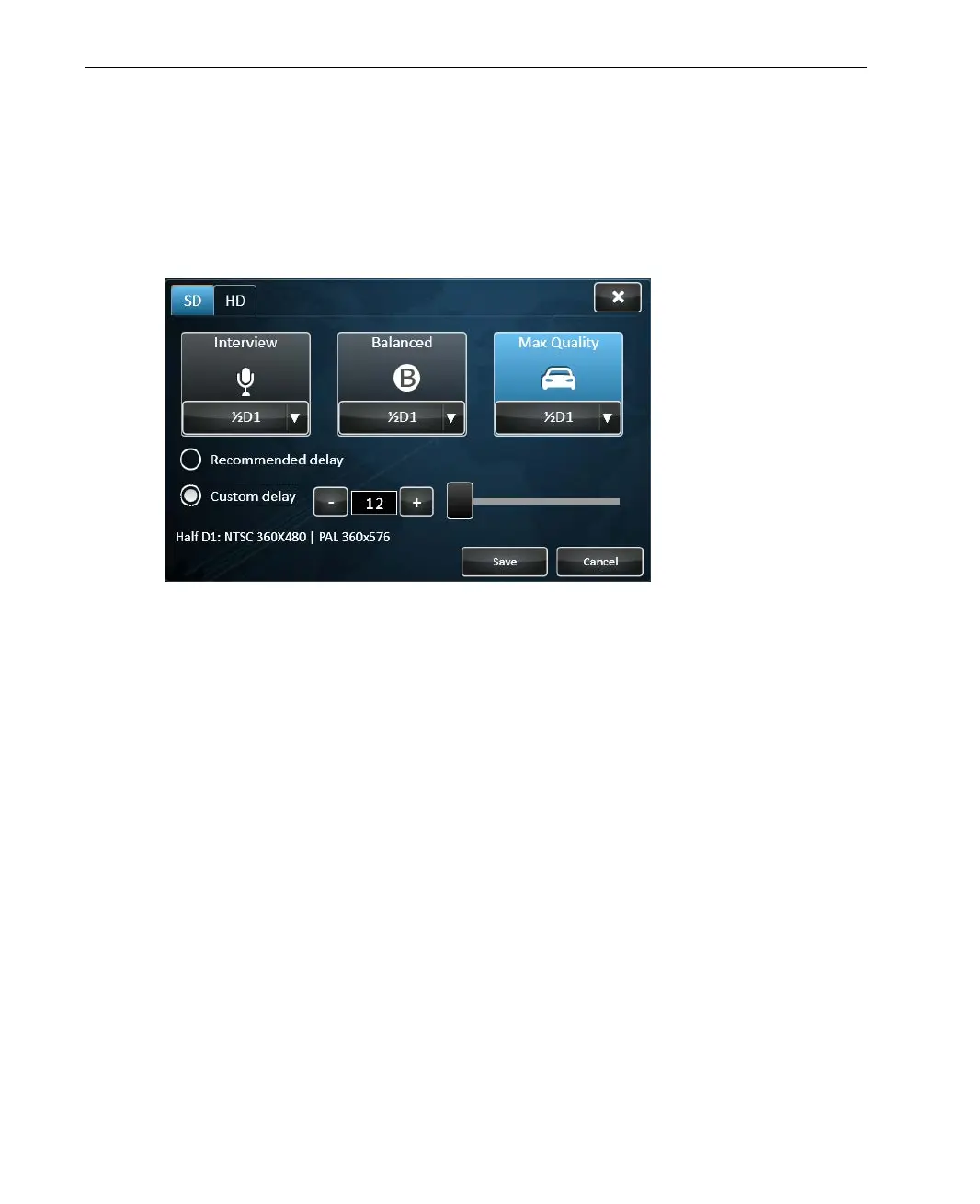
Max Quality Profile
This Profile is selected by default.
Select the Max Quality Profile when the quality is of prime importance and
the delay is not important.
Figure 34: Max Quality Profile
This Profile provides the best image quality at a potentially higher end-to-end
delay. The system is optimized for maximum stability with more emphasis on
the integrity and quality of the transmitted video. It tells the system to use all
the available connections in order to gain the maximum bandwidth possible
and configures the system to deliver the best resolution.
Max Quality Profile Delay
Max Quality profile allows for the longest delay, 12 – 60 seconds to
compensate for interferences that can occur due to various factors (for
example, broadcasting from a moving vehicle that enters a tunnel,
broadcasting from an underground basement or parking lot or entering an
elevator while broadcasting). The delay is automatically set by the system
after calibration according to the selected resolution. The Recommended
delay checkbox is automatically selected to indicate that this Profile is using
the automatically delay set by the system after calibration.



 To Next Page