Configuration and Settings
91
► To display or edit a previously defined Server:
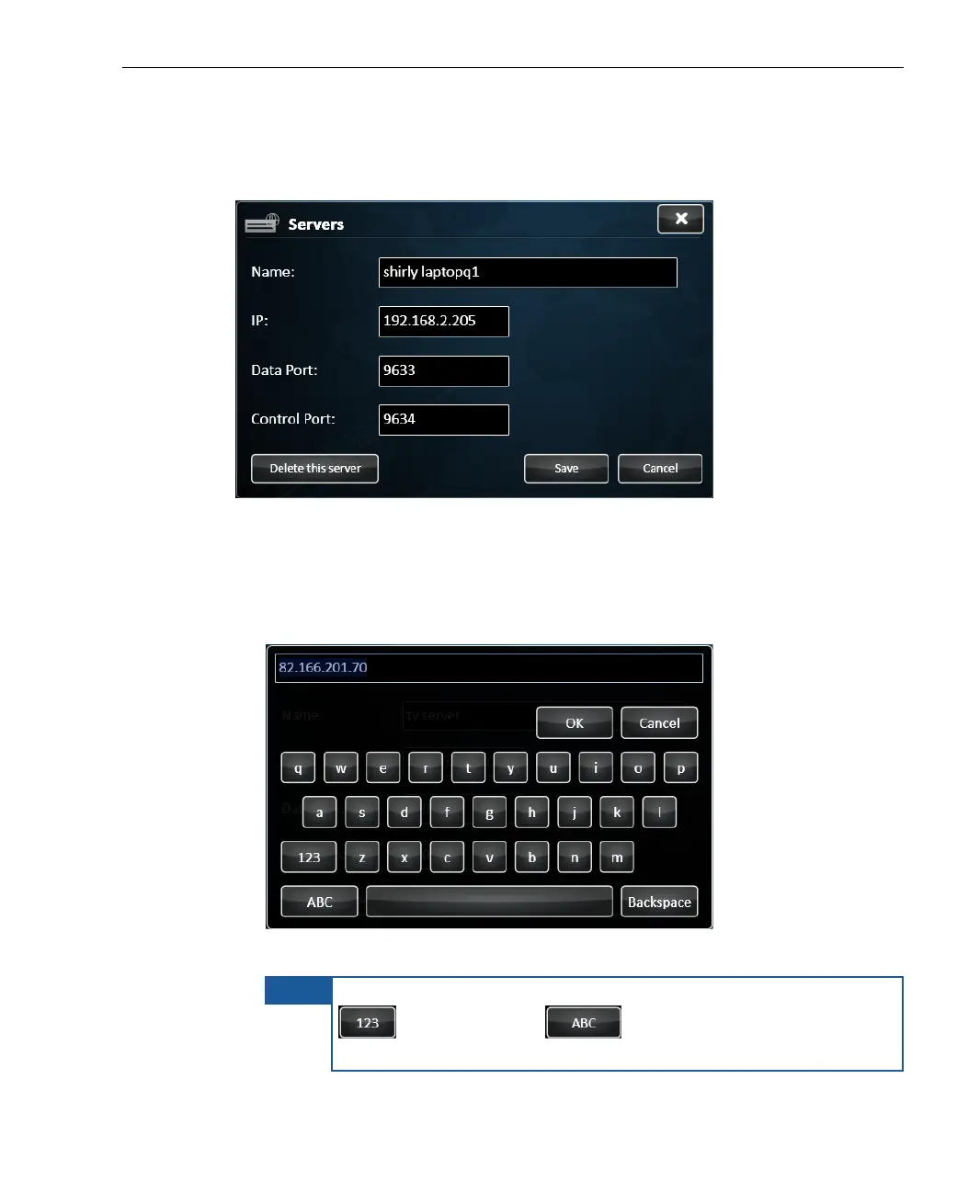
1 Simply tap one of the Servers to display the following window:
Figure 71: Server Definitions
2 Fill in the following fields to define a Server:
Name: The name of the LU-1000 server to receive the broadcast. Tap
in this field to display a keyboard, as shown below:
Figure 72: Virtual Keyboard
NOTE
To switch the keyboard to enable the entry of numbers, tap the
button. Tap the button to enable the entry of
characters.



 To Next Page