Store & Forward
69
3 Fill in the fields as follows:
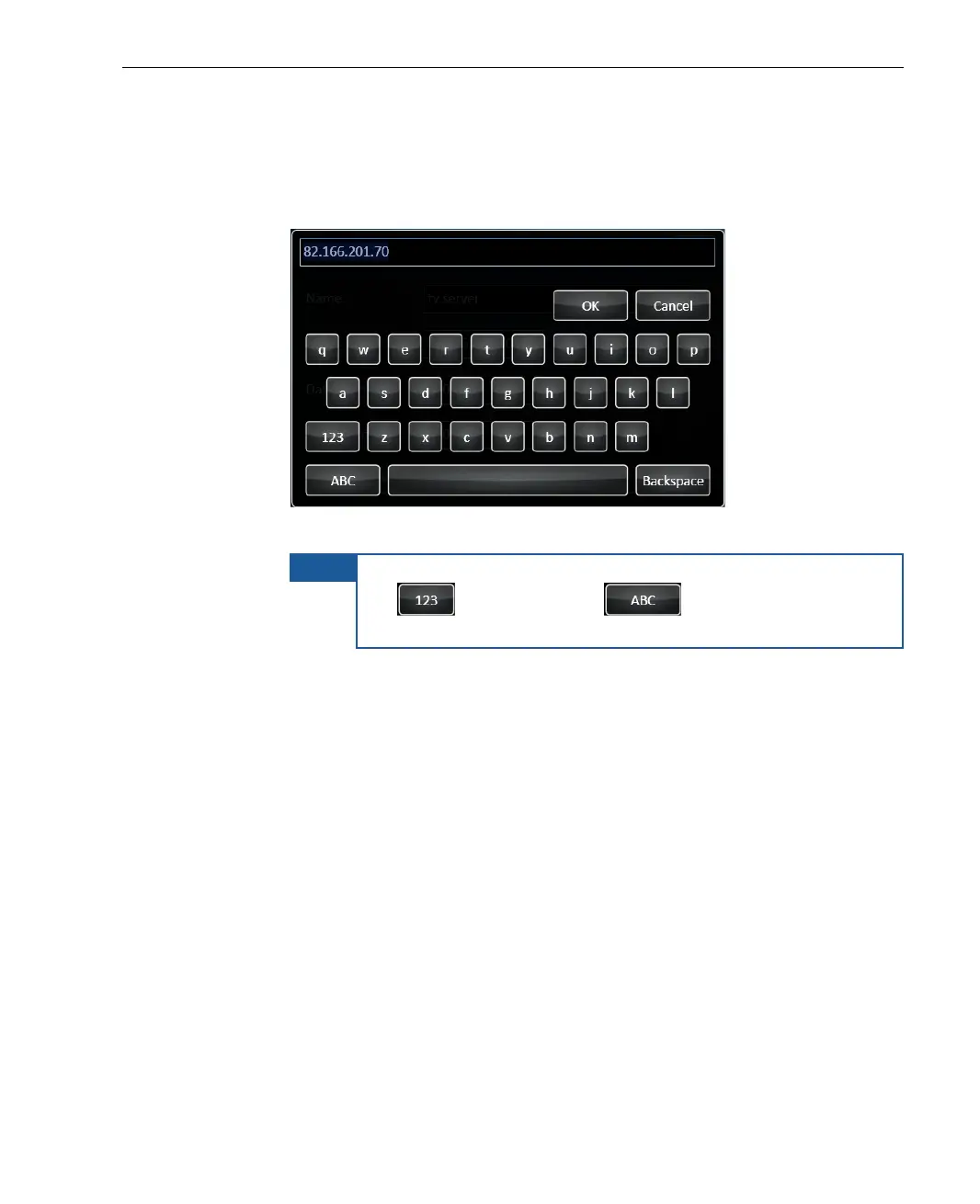
Session Name: The name assigned to the recording file. Tap the
field to display a keyboard, as shown below:
Figure 49: Virtual Keyboard
NOTE
To switch the keyboard to enable the entry of numbers, tap
the
button. Tap the button to enable the
entry of characters.
Location: Indicates where the file will be saved. You can save the
file locally on the device, or on a USB Disk-on-Key. Tap the arrow to
select the relevant option from the drop-down list.
Time Left: The memory space left for the recording is calculated
according to the set resolution and video rate, and is set
automatically. The set time left refers to a maximal quality
recording. This field is non-editable.
Resolution: Sets the resolution options according to the connected
camera (Standard or HD). Tap the arrow to select the relevant
option from the drop-down list. The set resolution determines the
video rate.
Video Rate: Calculated according to set Resolution and is set
automatically. This field is non-editable.



 To Next Page