Getting Started
21
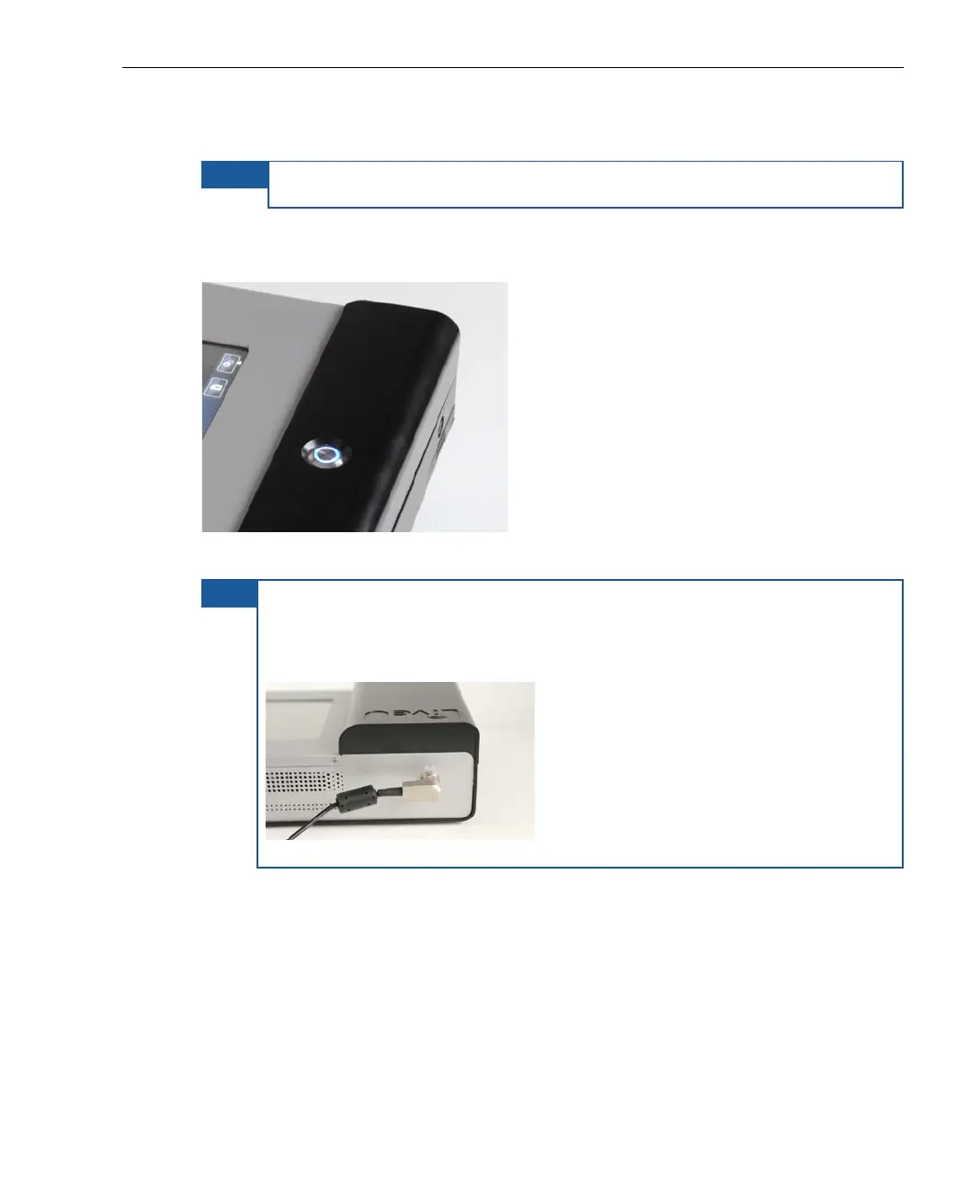
► To turn on the LU60/LU70 unit:
NOTE
Do not connect a DV camera before powering up the LU60/LU70.
Press and hold the power switch for approximately two seconds until it lights
up.
Figure 2: Power Switch On
TIP It is good practice to keep the unit plugged into a power outlet when it
is not in use in order to keep it charged and ready for operation.
Make sure that the DC IN (power) connector is connected in the
direction shown below:
Figure 3: PC IN Connection
The video camera can now be connected, as described in the Step 2,
Connecting the Video Camera section on page 23.



 To Next Page