Configuration and Settings
97
Net
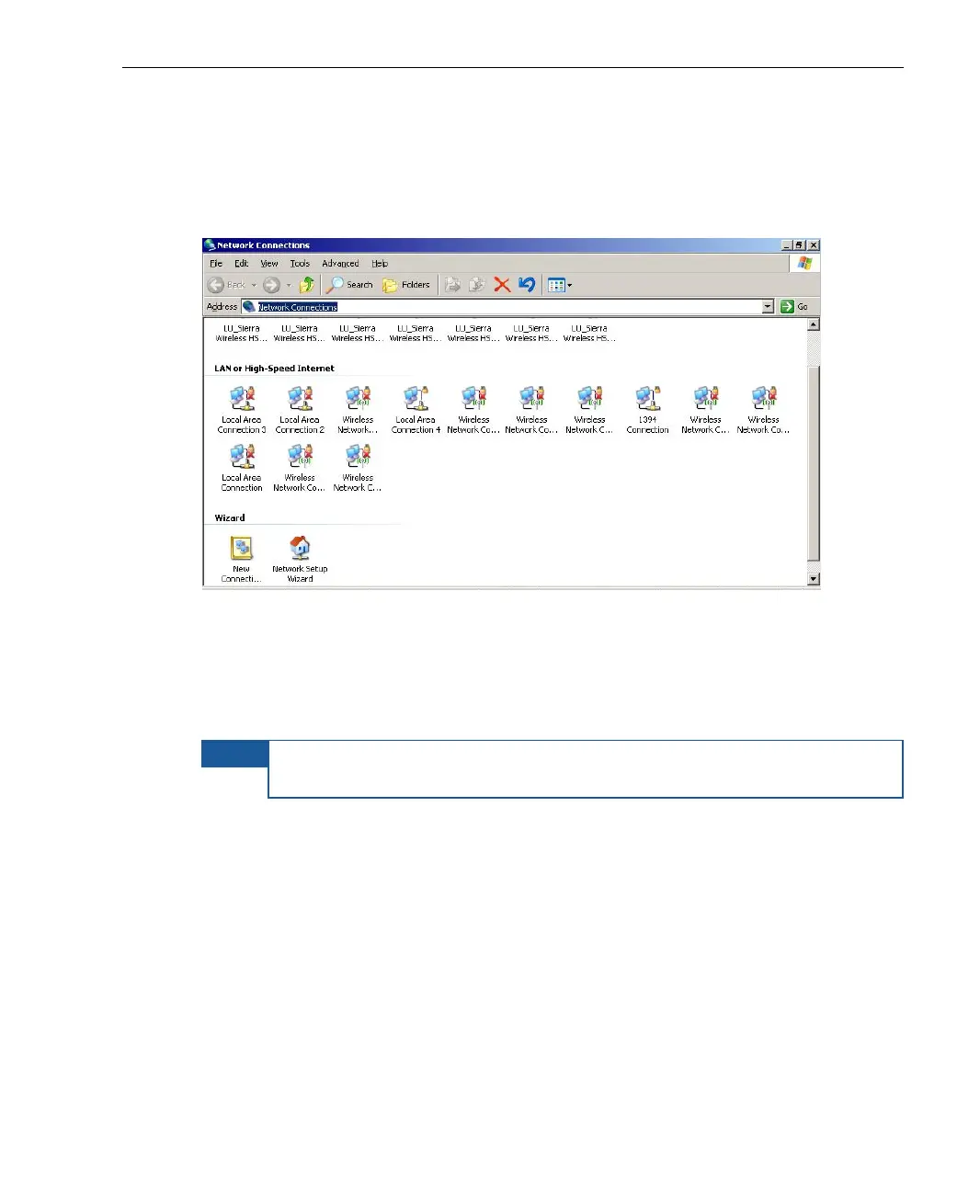
Tap the Net button to display a standard Network Connections window which
enables you to browse the network drives. For example, as shown below:
Figure 77: Network Connections Window
Explore
Tap the Explore button to display a standard Windows explorer window.
NOTE
The Advanced and Restore buttons are for advanced users or field
technicians and are not described in this guide.



 To Next Page