LiveU Live Video Uplink System User Guide
110
Launching Remote Control
► To launch the Remote Control application:
1 From the Start menu, select All Programs LiveU Remote Control
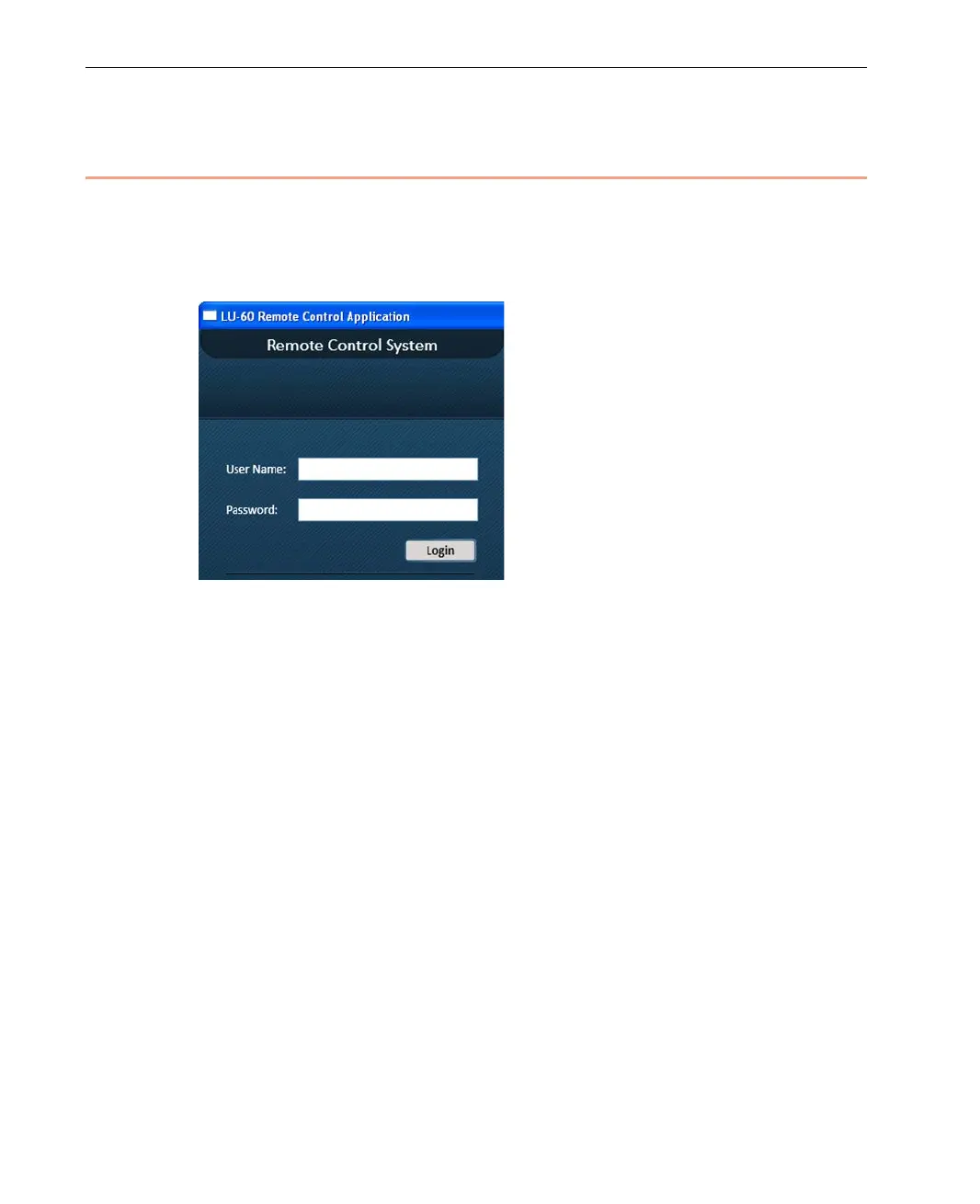
Remote Control. The following window is displayed:
Figure 90: Logging into Remote Control
2 In the User Name field, enter admin (all lower case) and in the
Password field, enter 12345.



 To Next Page