LiveU Live Video Uplink System User Guide
70
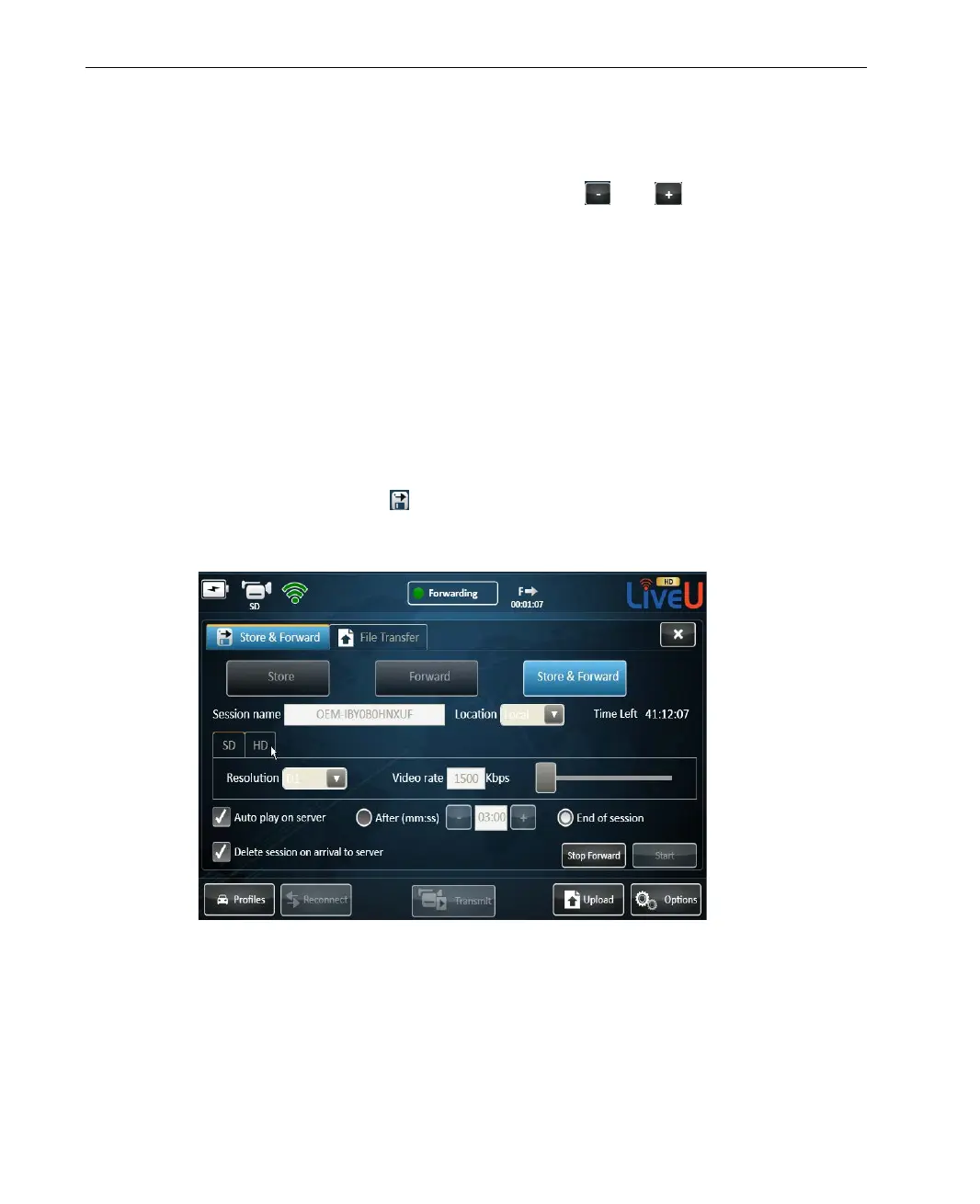
4 If you want the forwarded file to be automatically played on the server,
check the Auto play on server option and select when the auto play will
start – either after a preset period (use the
and buttons to set the
time period), or following the end of the forwarding session.
5 If the forwarded file is stored on the device, it is automatically deleted
when forwarding is completed. Therefore, when forwarding a session
locally, the Delete session on arrival to server option is checked
automatically and cannot be unchecked. When forwarding a session from a
USB Disk-on-Key, you can decide whether to delete or keep the forwarded
session.
6 After setting the fields, tap Start. If the LU is not connected, the modems
are dialed automatically. When the LU connects the status indicator
changes to On-Line followed by Forwarding as the session starts. A
Store & Forward icon
appears, displaying time elapsed since the
recording started. Tapping the icon displays more information about the
ongoing session.
Figure 50: Store & Forward Session in Progress



 To Next Page