Configuration and Settings
99
Xtender Interface Settings
NOTE
This feature is only relevant for the LU70 when the Xtender is being
used.
NOTE
The Xtender/Wi-Fi link LAN should only be connected to the LU70 via
LAN1.
The configuration should be made according to the interface that is used to
connect between the LU60/LU70 and the Xtender, as follows:
• When using a USB interface, select USB.
• When using an Ethernet interface, select LAN.
• When using a WiFi link interface, select External Wi-Fi.
Utilities
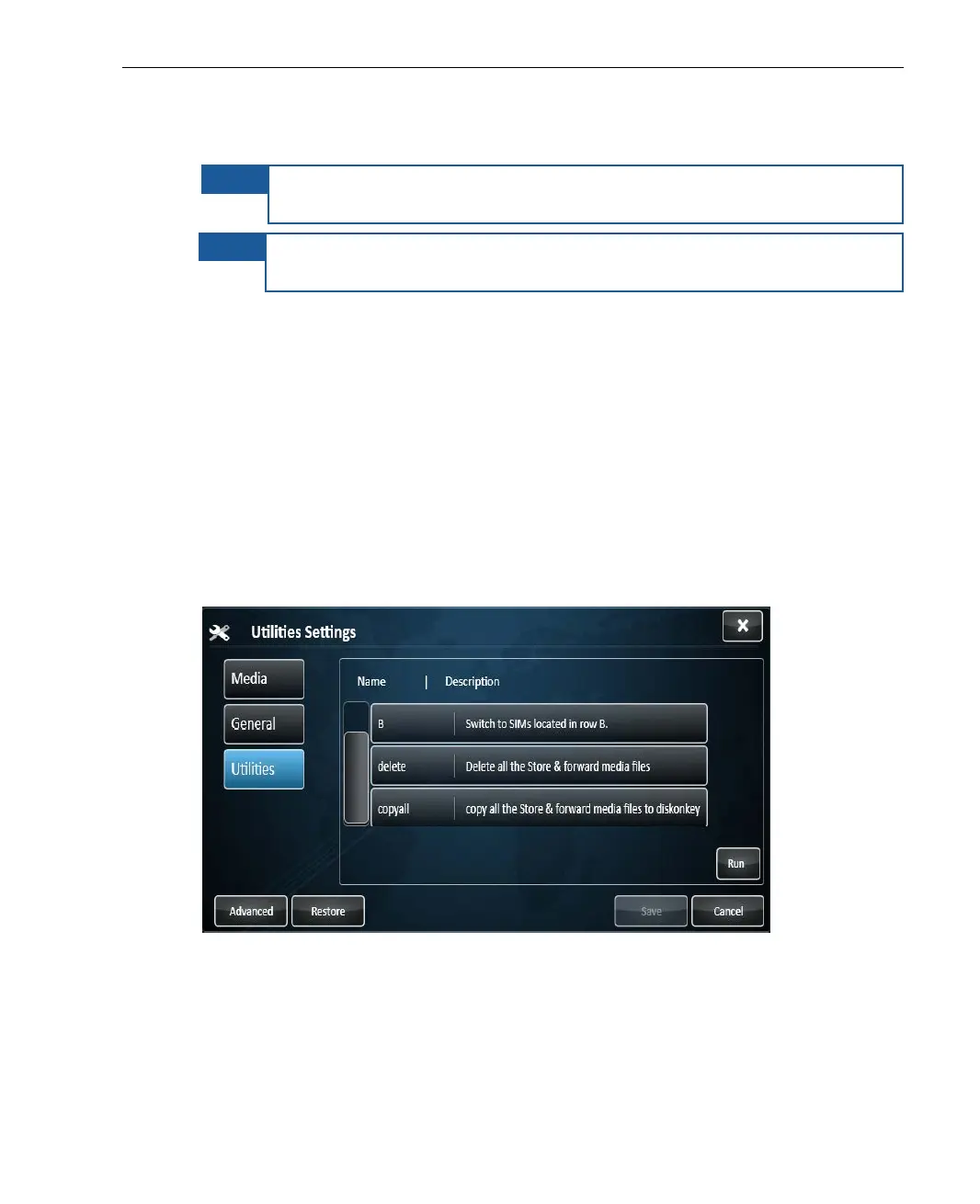
The Utilities tab, shown below, enables you to select a SIM module row,
delete all Store & Forward files, or copy them to a USB disk-on-key, as follows.
Figure 80: Utilities Settings



 To Next Page