LiveU Live Video Uplink System User Guide
112
Controlling an LU Remotely
Remote Control Main Window
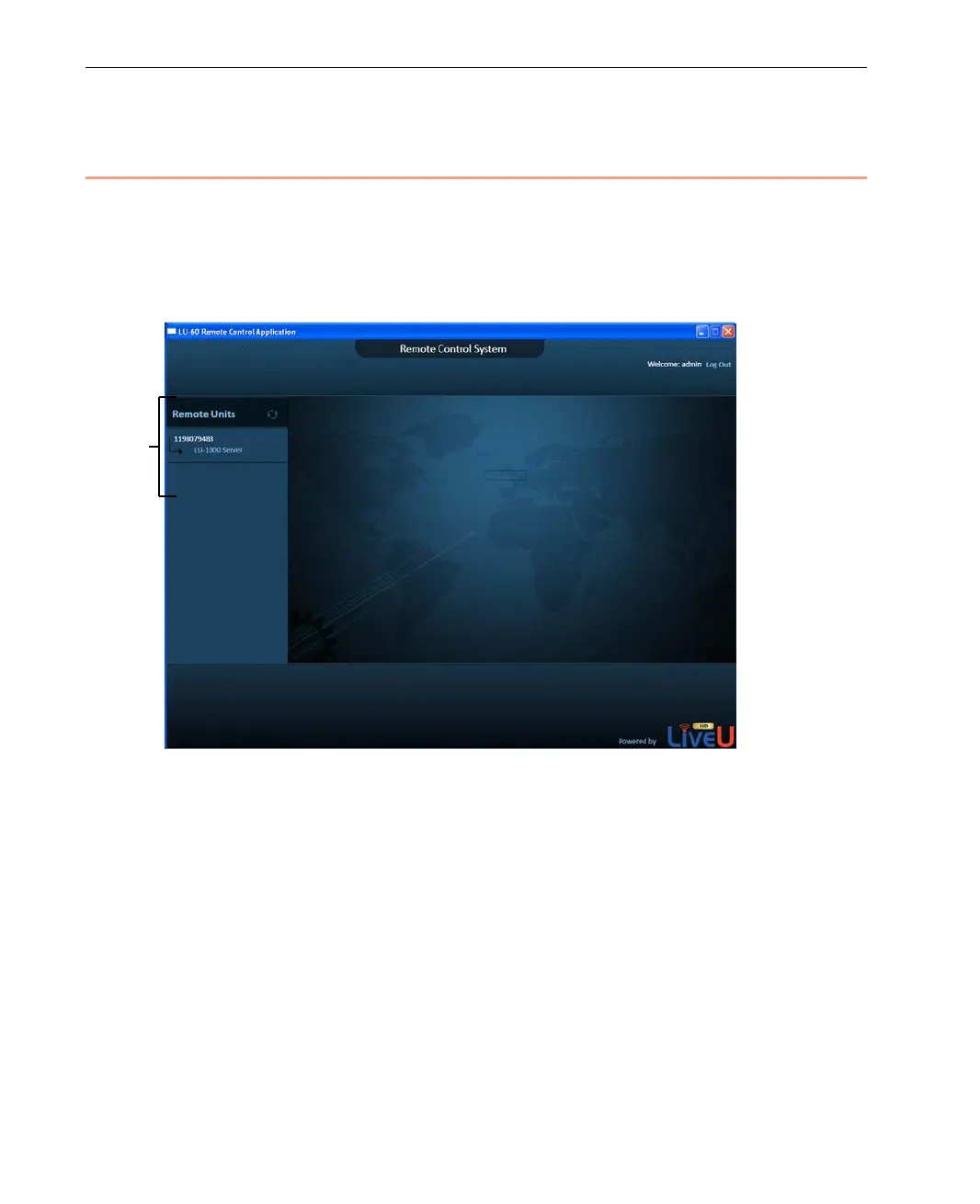
After you launch the Remote Control application, as described above, the main
window is displayed as shown below:
Figure 92: Remote Control Main Window – 2
The pane on the left lists the LUs that are connected to the LU-1000(s) to
which the Remote Control application is configured, as described in the
Configuring Remote Control section on page 108.
List of LU60s
connected to
LU-1000



 To Next Page