LiveU Live Video Uplink System User Guide
92
IP: The static IP address of the LU-1000 server to receive the
broadcast.
Data Port and Control Port: These are generally standard open ports.
These must be the same on both the LU unit and the LU-1000 server.
If the server is connected to the Internet through a firewall or NAT
router, then the port must be open for access from the public Internet
on the LU-1000’s side.
3 Tap OK.
Settings
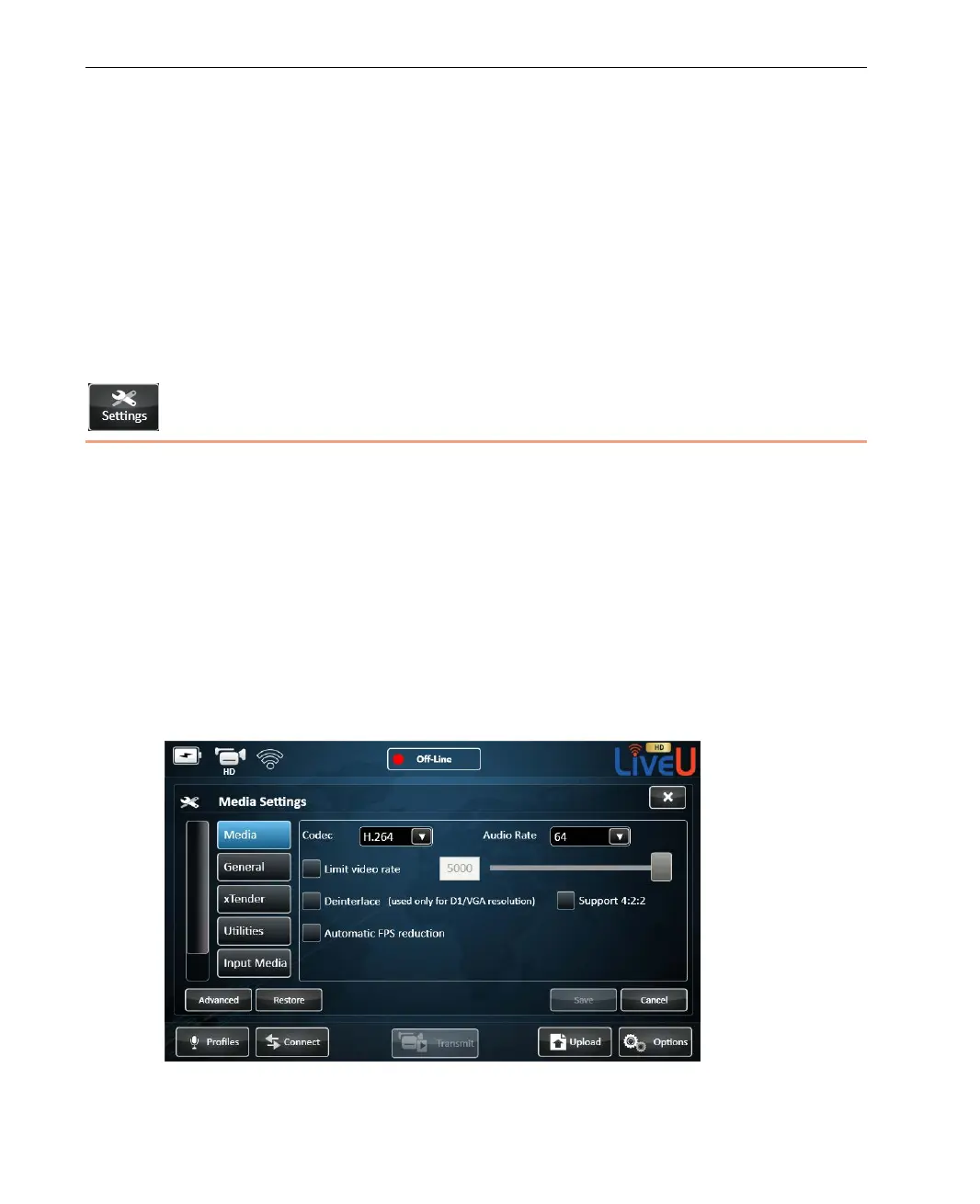
The Settings button displays the following window containing tabs for defining
configuration settings, as follows:
• Media, page 93
• General, page 95
• Xtender, page 98
• Utilities, page 99
• Input Media, page 101
• Startup, page 102
Figure 73: Configuration Window – Media Options



 To Next Page