LU Backpack
127
How to Insert the LU Unit into the Backpack
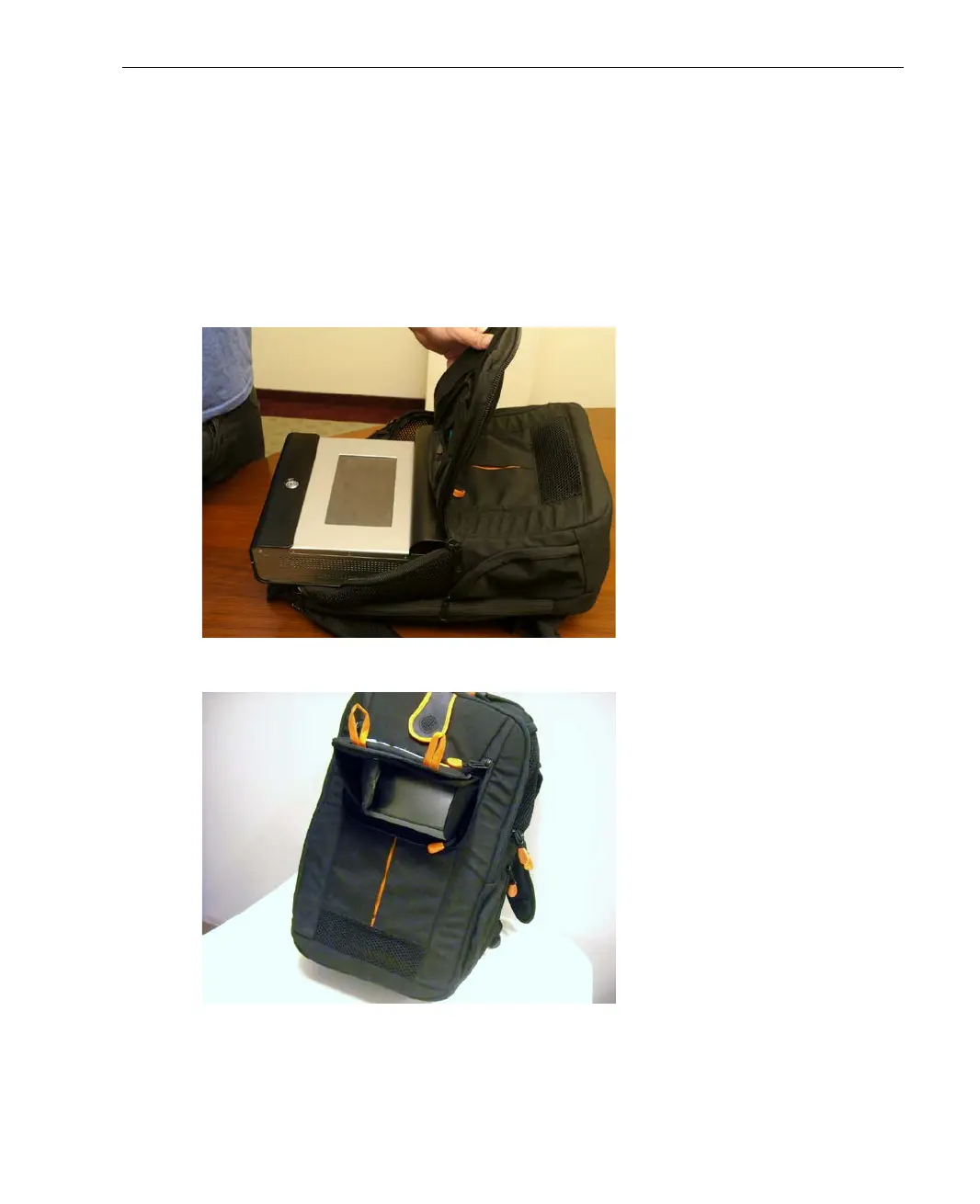
Slide the LU unit into the backpack through the top flap, in the direction shown
below, making sure to keep the top of the unit (where the touch-screen is
situated) facing the front of the bag.
The base of the LU goes in first so that its ventilation holes are sitting on the
holder.
Figure 110: Slide the LU Unit into the Backpack
Figure 111: Position the LU Unit to View the User Interface



 To Next Page