19
Getting Started
This chapter describes how to get started using the LU, including powering on,
connecting the camera, connecting to the LU-1000 and broadcasting (playing).
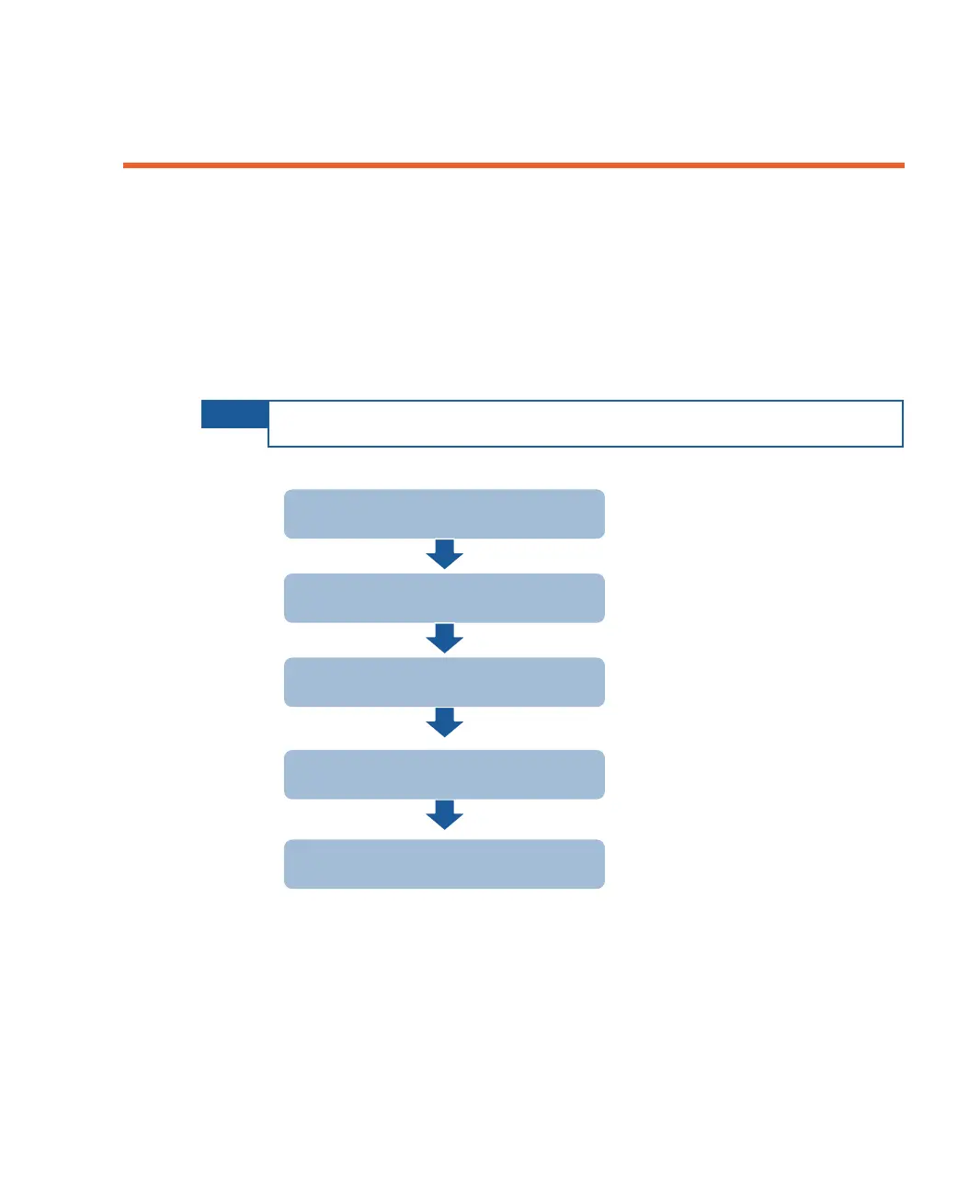
The following is an overview of the workflow described in this chapter.
NOTE
You may connect non-DV cameras to the LU before turning on the LU.
Step 1
20
Step 2
23
Step 3
26
Step 4
30
Step 5
30
If required, you may refer to Appendix B, LU Backpack on page 125 for
instructions on connecting and using the LU backpack.
Turning on the LU Device
Connecting the Video Camera
Connecting to the LU-1000
Playing
The Next Step



 To Next Page