LiveU Live Video Uplink System User Guide
36
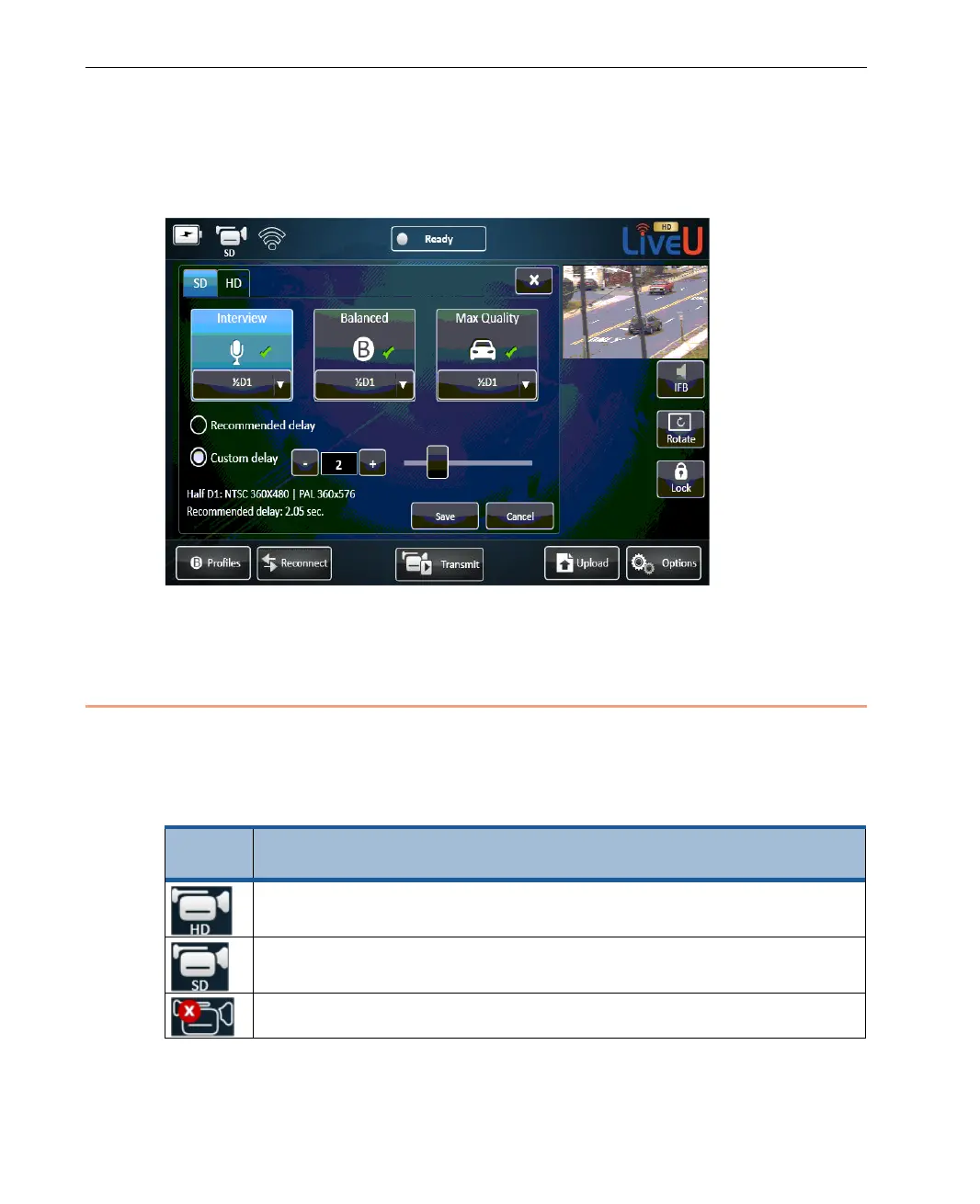
After the camera is connected, the video feed is always showing. When you
are using the configuration windows, it appears in the top right corner of the
window, as shown below:
Figure 20: Video Feed is Always Displayed
Camera Connectivity Icon
The Camera connectivity indicator shows the current status of the camera
connection, as follows:
Table 1: Camera Connectivity Indicator Icon
Status
Icon
Description
Indicates that an HD camera is connected. This feature only
appears for LU60/LU70 devices that support HD.
Indicates that a standard camera is connected.
Indicates that no camera is connected.



 To Next Page