Store & Forward
71
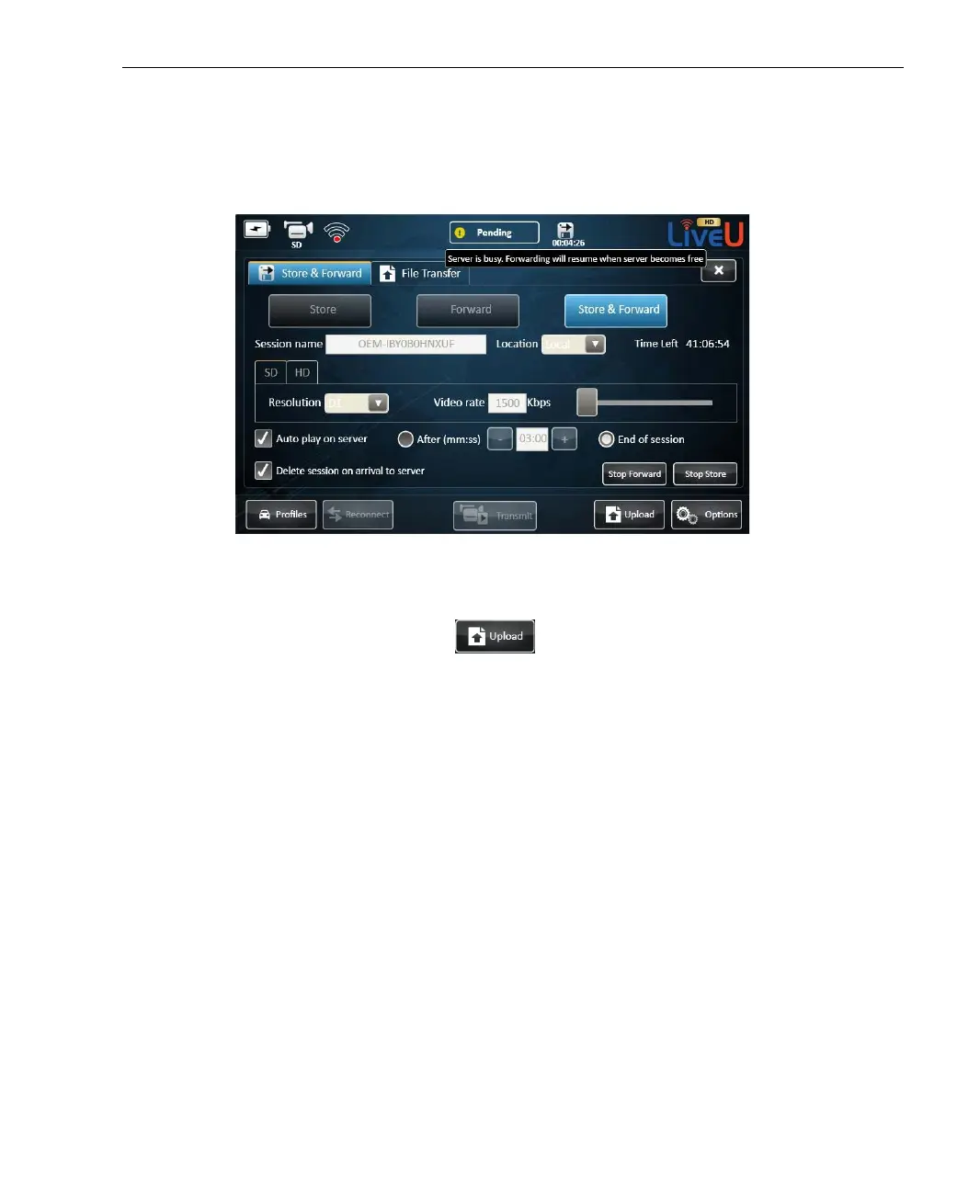
7 If the server is busy, the session is stopped. The status indicator changes
to Busy and a message appears. The session is resumed when the
connection to the server is restored.
Figure 51: Store & Forward Session – server is busy
8 To stop the Store part of the session, tap Stop Store. To stop the Forward
part of the session, tap Stop Forward. To stop the Store & Forward
session, tap the Upload
button and then tap Stop.



 To Next Page