LU User Interface
35
Video Feed
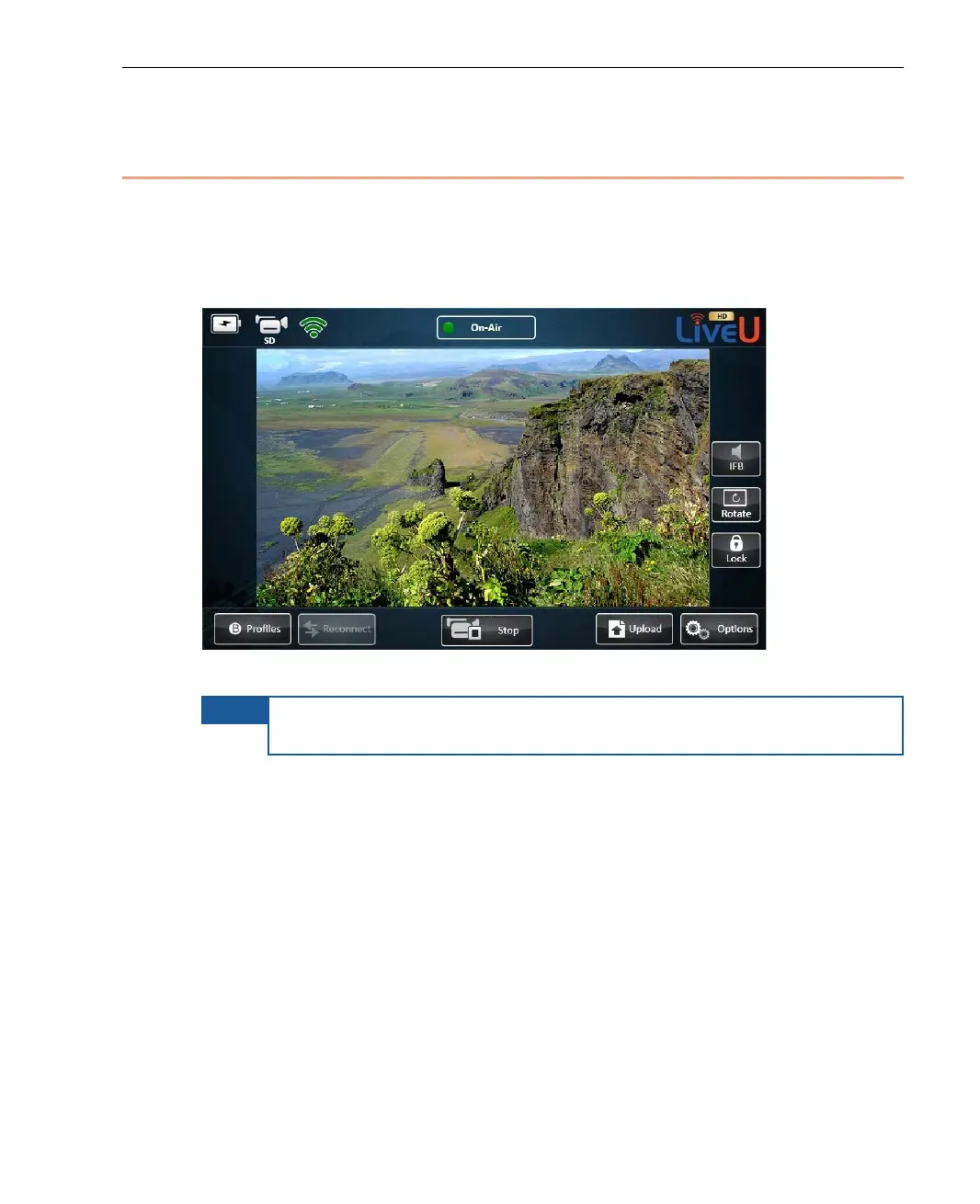
The center of the main window automatically shows a preview of the video
feed after the camera is connected, turned on. The video feed is displayed a
few seconds after the camera is connected and automatically detected by the
LU.
Figure 19: Video Feed
NOTE
The video is only transmitting after you tap the Play button and the
On-Air status indicator is displayed at the top of the window.
You may refer to the Main User Window section on page 22 for a picture of this
area, before the camera is connected/detected.



 To Next Page