LiveU Live Video Uplink System User Guide
28
Connecting – Transmission Test
In order to accurately calculate and grade the modems and their broadcasting
efficiency, the LU automatically transmits a LiveU pre-stored video stream.
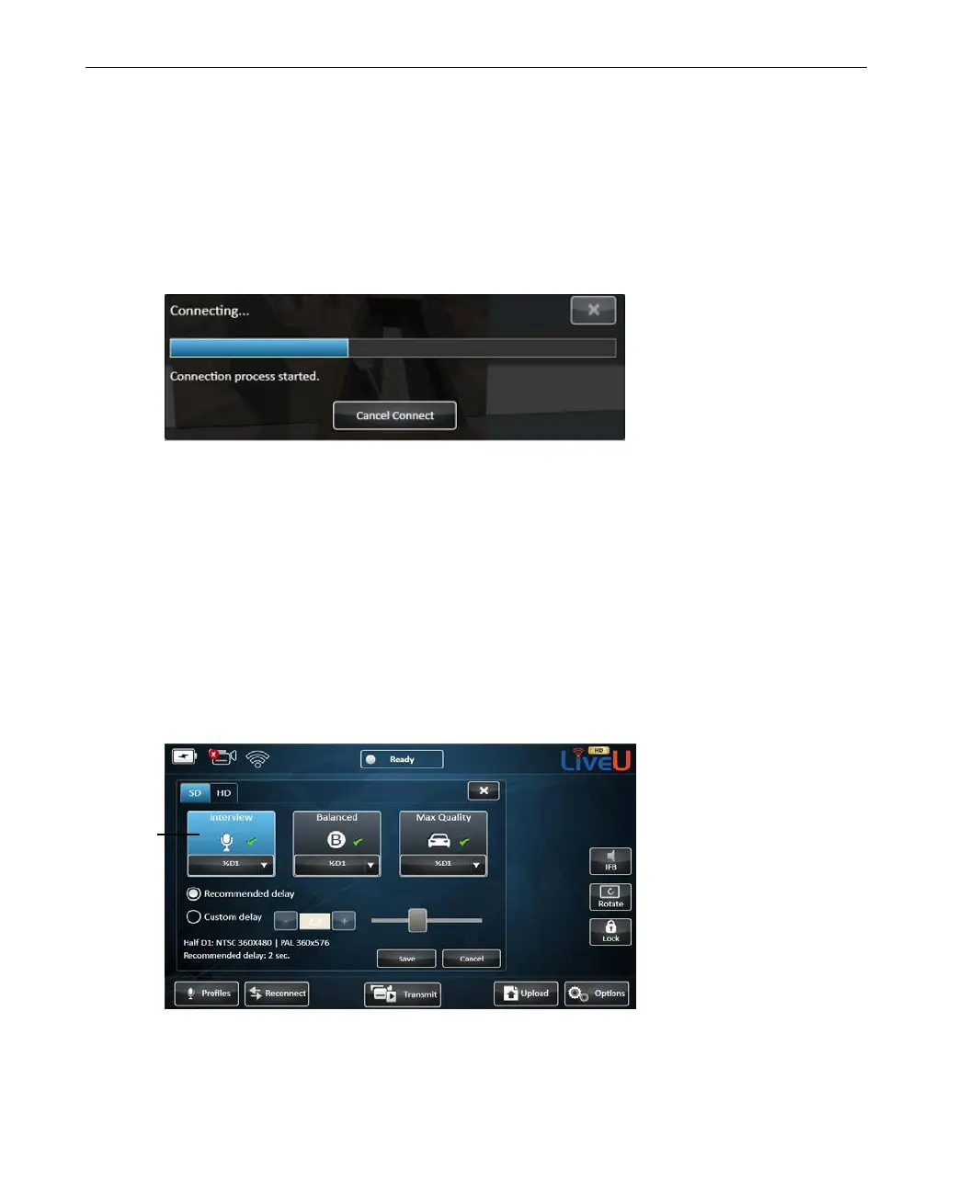
During transmission, the following window appears showing the transmitted
video:
Figure 12: Connecting – Transmission Test
The process finishes when all the available interfaces have been connected and
the LU unit has finished analyzing the connection and calibrating the system.
This is an internal process that runs automatically.
After Connection
After the LU has finished the connection process, the Status indicator at the
top of the screen changes from Offline to Ready and the calibration results
can be displayed by selecting the Profile button, as shown below:
Figure 13: Profile Parameters
display
the
settings of the
Interview Profile



 To Next Page