LiveU Live Video Uplink System User Guide
44
Reconnect Button
After the Connect button is tapped and a connection has been established,
the button’s name changes on the display to Reconnect. This means that the
LU is connected to the LU-1000 server.
When the Reconnect button is tapped, the application automatically attempts
to reconnect to all available interfaces in order to achieve better connection
performance.
The following describes the reasons for tapping the reconnecting:
• If you feel that network conditions are not optimal. You can check the
following and then decide to reconnect:
If you tap the Interface button and see a low BW kbps and/or high
Delay sec for each or some of the interface rows.
If you tap the Profiles button and see an
(red) on the desired
Profile button or on the desired Resolution button indicating that it is
not available.
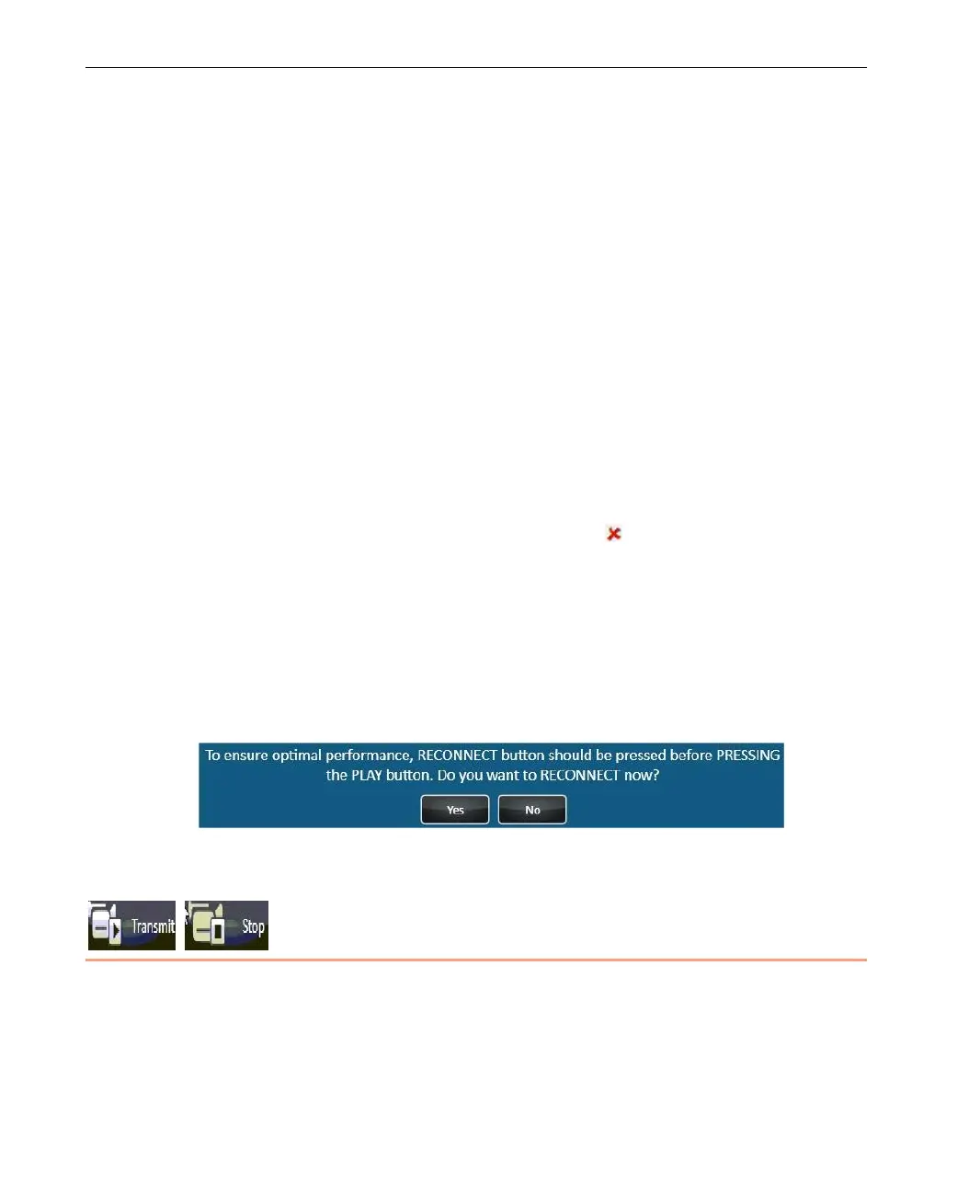
• The following message is displayed from time to time in order to ensure
optimal performance. It is recommended to tap the Yes button so that the
unit will reconnect to its interfaces and recalibrate the optimal connection
parameters. Broadcasting and file transfer will automatically continue after
reconnection.
Figure 28: Reconnection Message
Transmit Button
This button becomes active after the unit is connected to the LU-1000 and the
unit is ready to broadcast or send files. Tap the Transmit button to start
broadcasting.



 To Next Page