Configuration and Settings
79
Defining a Wi-Fi Interface
The LU automatically detects and attempts to connect to the Wi-Fi interfaces
in its vicinity. The LU connects only to one Wi-Fi network and will attempt to
do so according to the order that you define, as described below. The LU
automatically stores and reuses the latest passwords that you entered for each
Wi-Fi network.
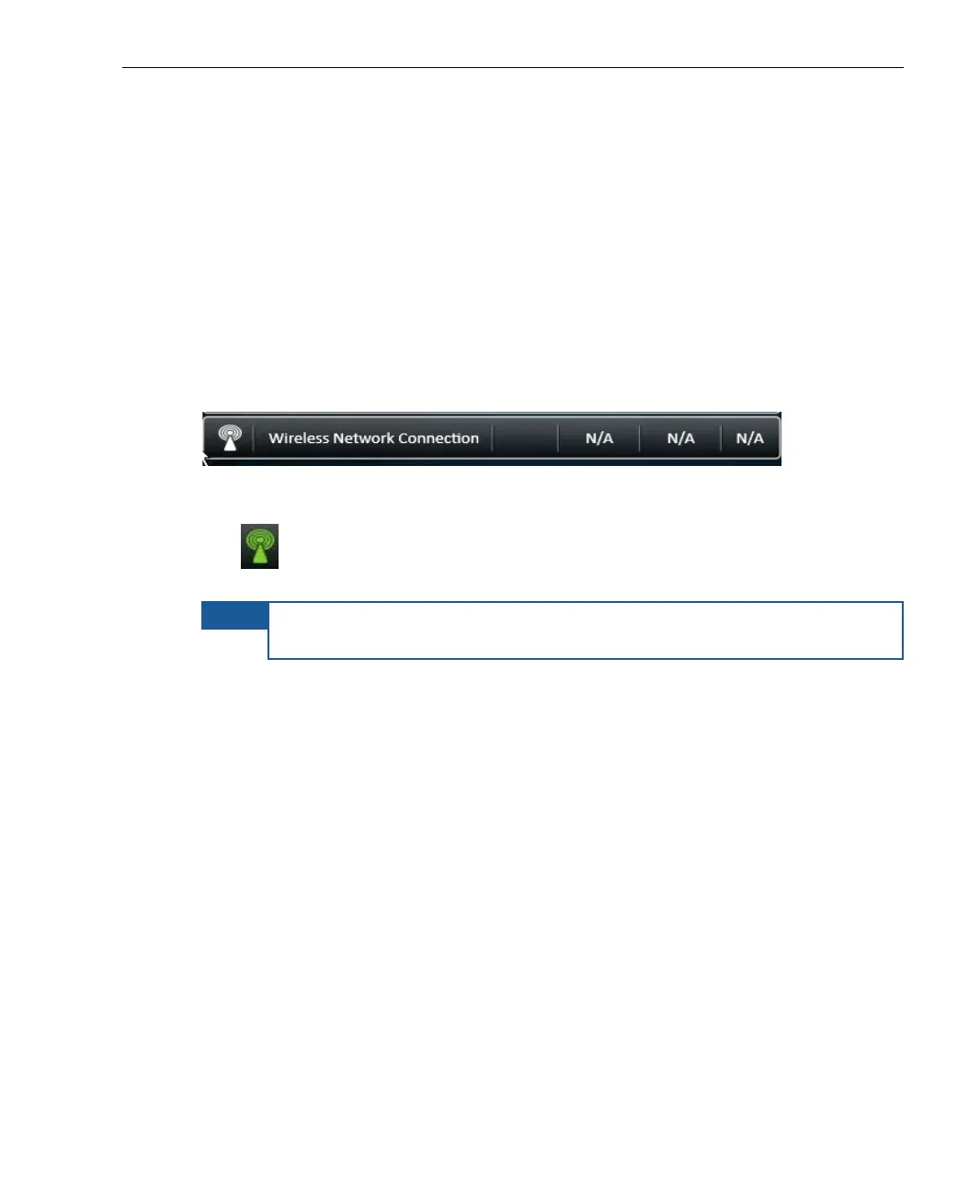
A single bar appears in the Interfaces page (as described in the Interfaces
section on page 75) to represent all currently and previously detected Wi-Fi
networks.
Figure 57: Wireless Network Connection
The icon appears green if any Wi-Fi network is connected and white
otherwise.
NOTE
You may refer to the Defining an Interface section on page 77 for a
description of how to define a cellular interface.



 To Next Page