LiveU Live Video Uplink System User Guide
120
Checking the LU60/LU70 Battery Charge
Two options are provided for checking the charge of the battery, as described
below.
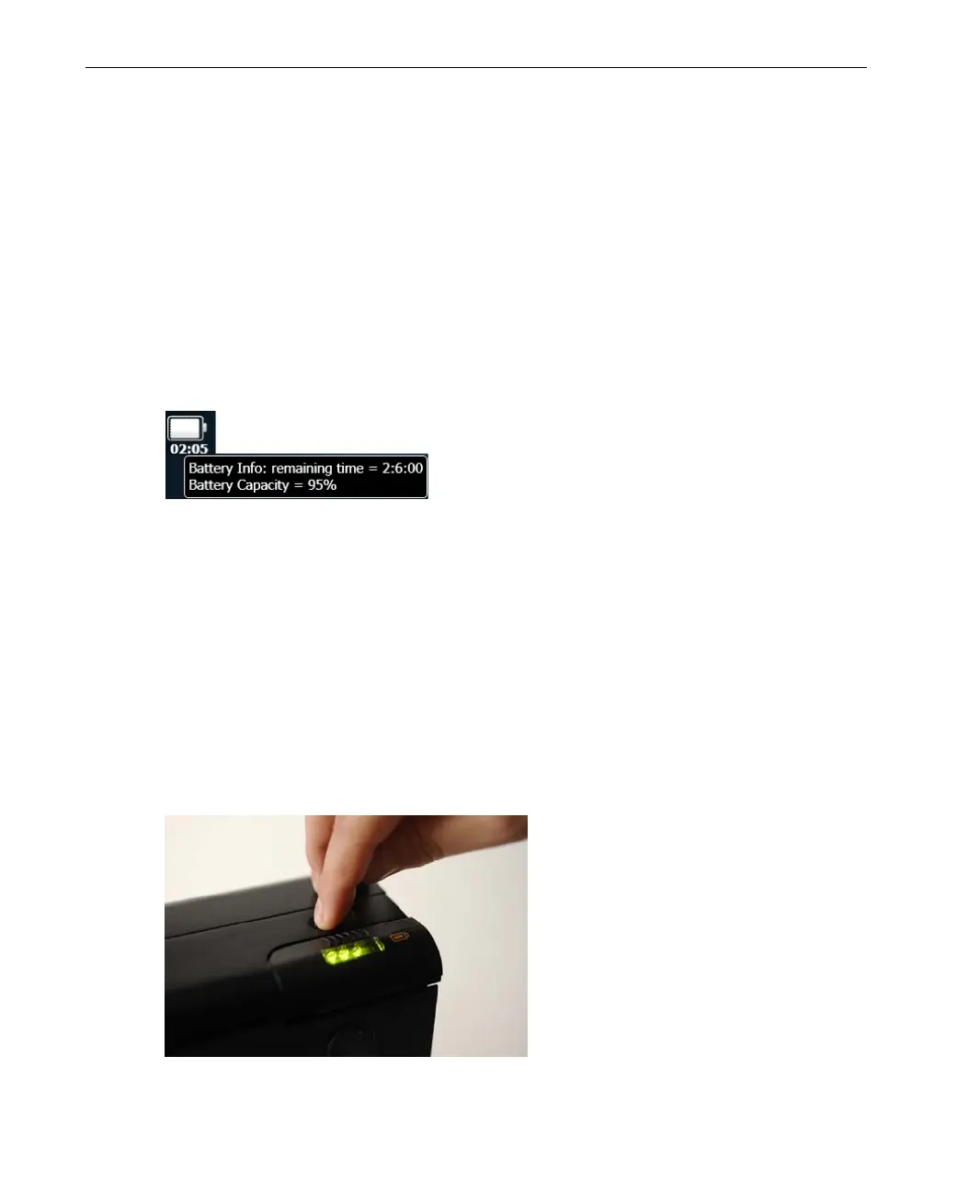
Tap on the Battery Status Icon
Tap on the Battery Status icon to display a tool tip of information.
The following tool tip can be displayed while the battery is being used (and is
not being charged). It shows how much longer the battery will last.
Figure 101: Battery Status Tool Tip
You may refer to Battery Indicator Icon section on page 37 for more
information.
Look at the Unit’s Battery Indicator
Look inside the window shown below in order to see the battery status
indicators.
You can press the light button shown below to light up the inside in order to
see better.
Figure 102: Battery Indication Light



 To Next Page