LU User Interface
37
► To display information about the connected camera:
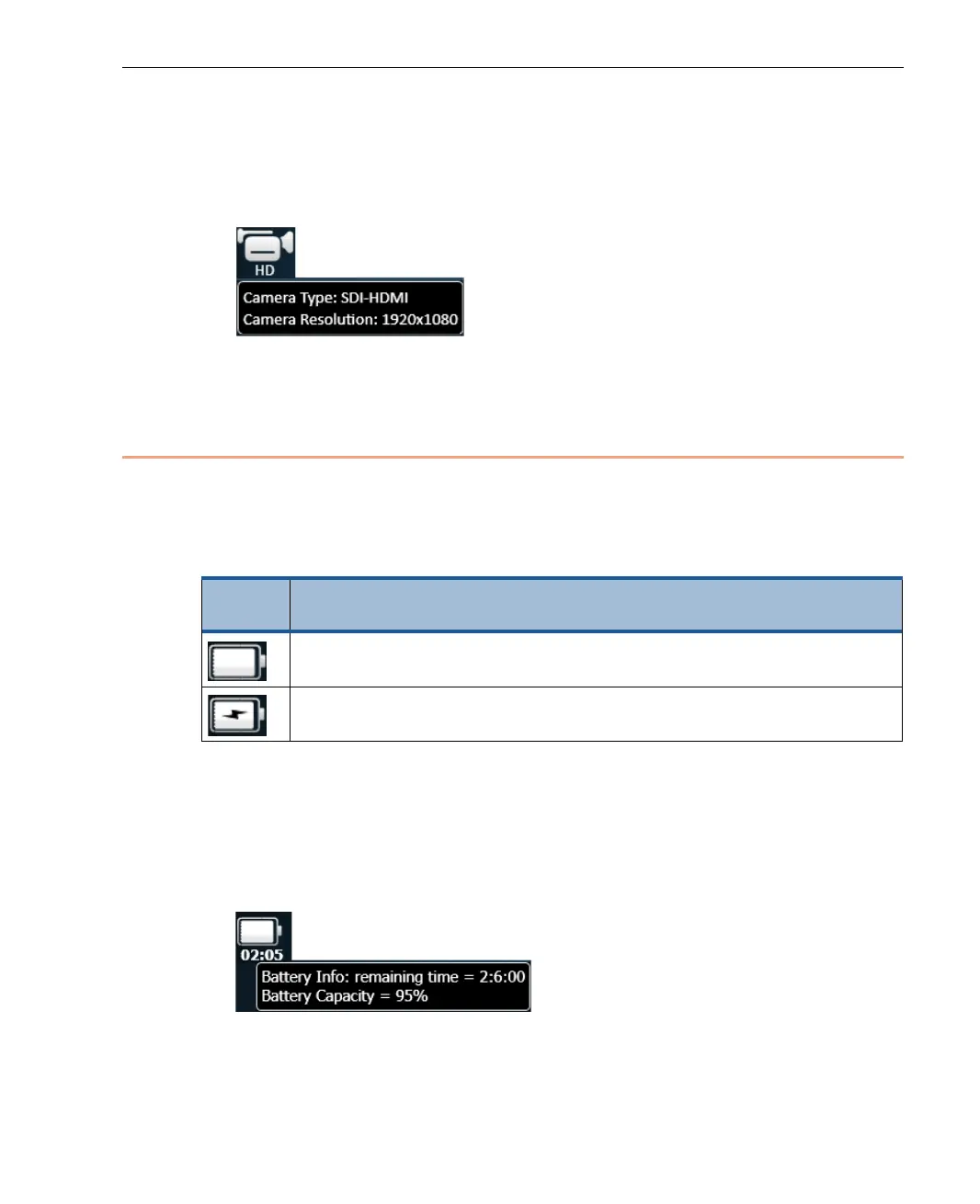
• Tap on the Camera Connectivity icon to display a tool tip of information.
The following tool tip shows the camera’s type and resolution:
Figure 21: Camera Tool Tip
Battery Indicator Icon
The Battery indicator shows the battery’s current status. Tapping the battery
indicator, displays information about the battery charge status, as follows:
Table 2: Battery Indicator Icon
Status
Icon
Description
LU is running off internal battery. The indicator shows that the
battery is fully charged, partially charged or empty.
The unit is connected to an AC charger, and the battery is currently
being charged.
► To display a description of the batteries status:
• Tap on the Battery icon to display a tool tip of information. The following
tool tip can be displayed while the battery is being used (and is not being
charged). It shows how much longer the battery will last and the
percentage of the current charge.
Figure 22: Battery Status Tool Tip – Time Remaining



 To Next Page