LiveU Live Video Uplink System User Guide
114
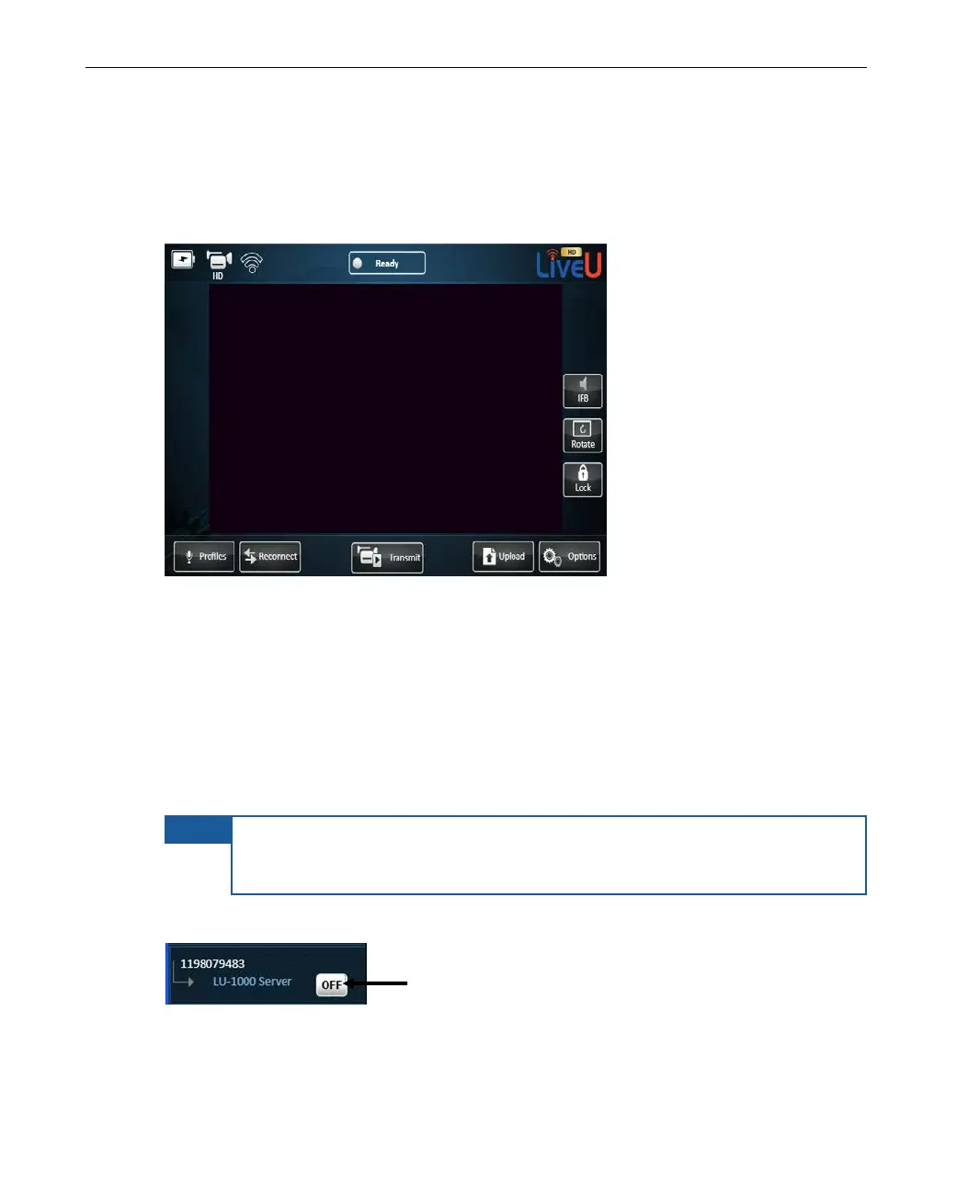
The following shows this same LU’s user interface. As you can see, it is
identical to the center part of the Remote Control application window shown on
the previous page. The only difference is that an LU device displays the video
feed, if there is one.
Figure 95: Actual LU Device Screen
Remote Viewing and Controlling Mode
Viewing Mode
By default, when the user interface of the selected LU device is first displayed,
as described above, you are only able to view the settings of the LU device.
NOTE
If an LU operator changes the configuration on the device using the
device’s touch screen, then the display on the Remote Control
application automatically refreshes to display this change.
An OFF button appears next of the LU’s name, as shown below:
Figure 96: Remote Control – OFF – Viewing Only



 To Next Page