LiveU Live Video Uplink System User Guide
26
5 For DV cameras, after the camera is attached to the unit, you can connect
an external power supply to the camera, if needed. Then, turn the camera
on.
6 The camera video is automatically displayed on the unit’s screen, if the
camera is on and properly configured. The screen on the unit’s interface
should display the scene that the camera is capturing.
Step 3, Connecting to the LU-1000
In order to stream video using the LU Live Video Uplink system, it is necessary
to connect the unit via the Internet to the LU-1000 server using one or more
wireless networks. The LU-1000 server is usually located at the broadcasting
center.
► To connect to the LU-1000:
• Tap the Connect button .
The Connect button on the display changes to ReConnect.
NOTE
This process may take up to five minutes to complete.
The LU unit automatically searches for and detects the interfaces (cellular
modems, Wi-Fi, LAN and so on) that are available on the unit and connects
to each one.
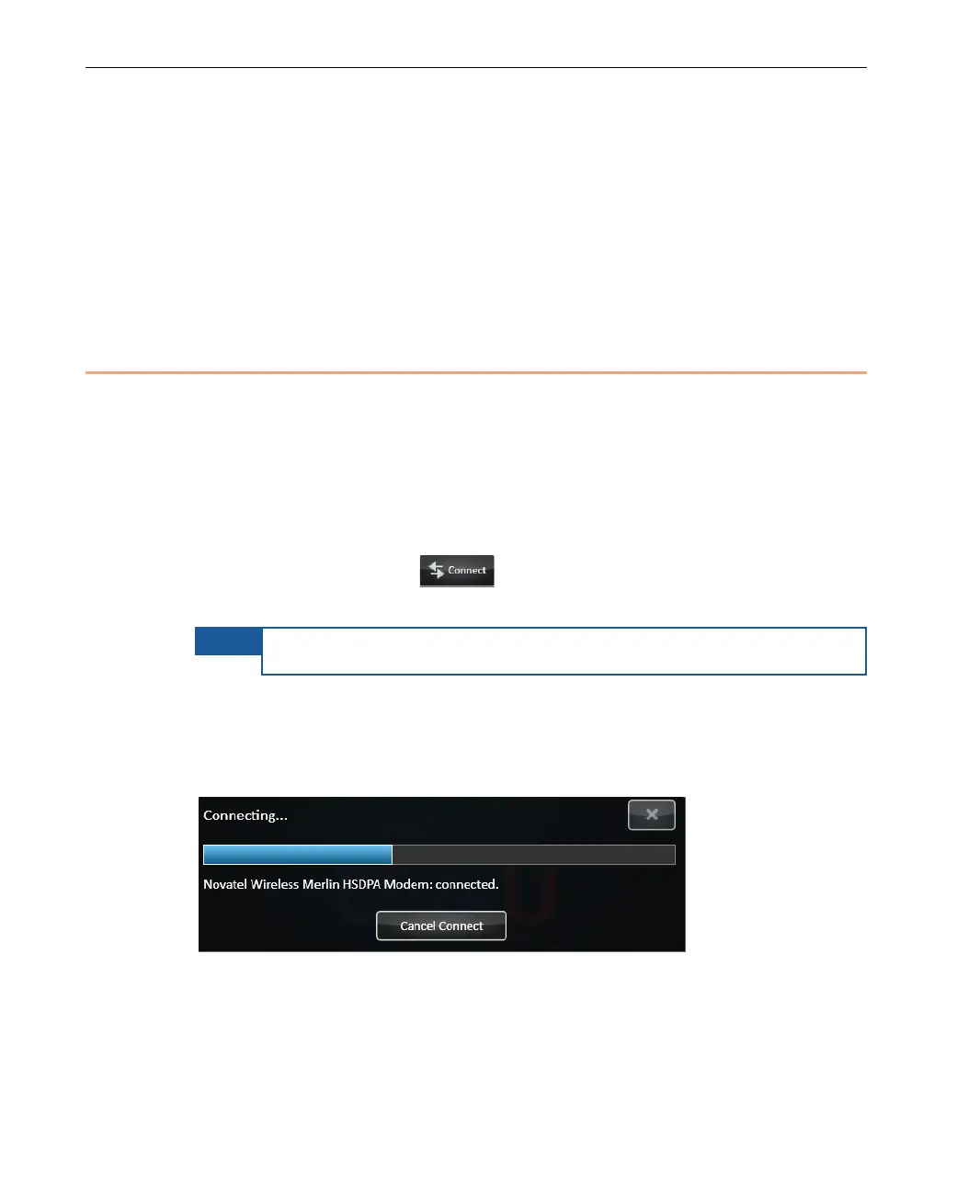
As each interface is connected the following is displayed for each:
Figure 9: Connecting to an Interface



 To Next Page