LiveU Live Video Uplink System User Guide
42
Status Icon Description
On-Air (green light). Appears when the system is
connected and video is being transmitted correctly.
Forwarding (green light). Appears when a stored
session is being forwarded.
Error (yellow light). Appears when an error occurs. You
can tap to display an error message, such as the
following:
• Error: LU-1000 not responding
•
Error: Video input not detected
Warning (yellow light).
• Warning: X packet(s) lost
•
Warning: X missing interface(s)
Transferring (green light). FTP-mode is active. Files are
being transferred.
Rotate Screen
Each tap of this button rotates the screen display 180 degrees.
Unlock/Lock Button
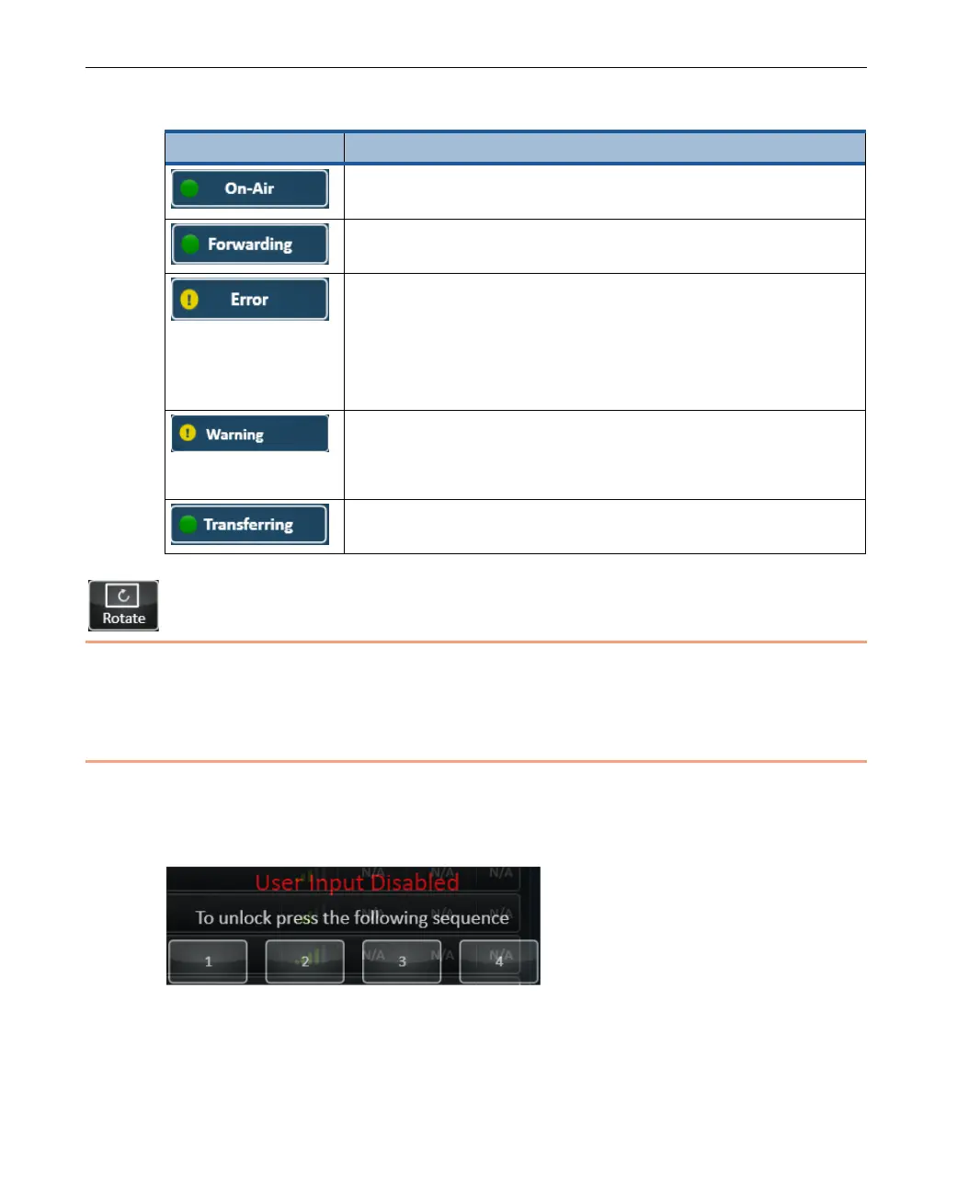
Tap the Lock button to lock the touch screen buttons so that they are not
tapped by accident. The following window is then displayed in which you must
tap the numbers 1, 2, 3 and 4 in sequence in order to unlock the touch screen.
Figure 27: Locking and Unlocking the Touch-screen



 To Next Page