38 CHAPTER 4: OPERATION
MOVE S2
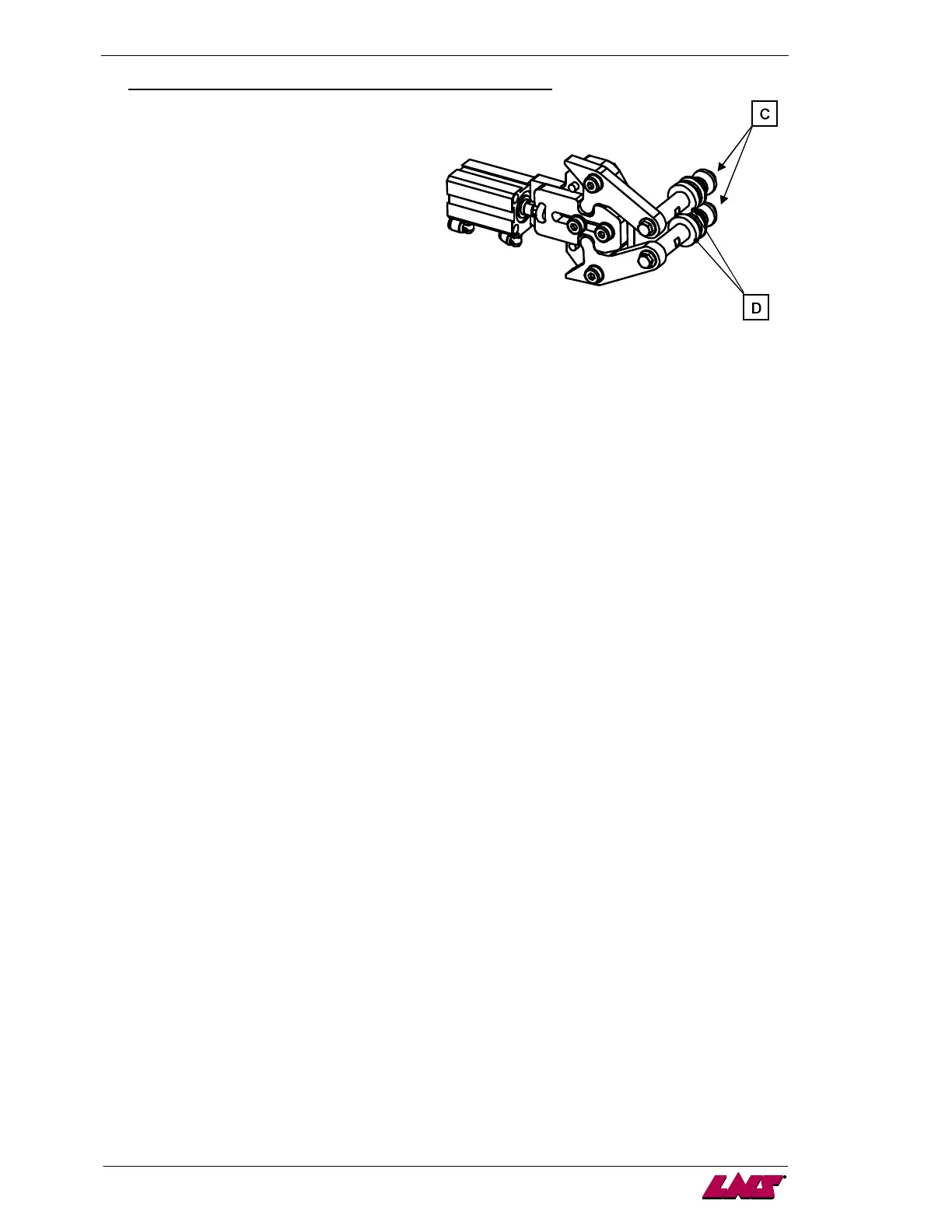
6. Pusher holding system setup (only if pusher change applied first):
6.1. Remove the rest cover located at the front of the bar feeder.
6.2. Loose the holding screws (C).
6.3. Turn the holding rolls (D) and tighten the
screws (C).
6.4. Put back the rest cover.
7. On the remote control, confirm the end of the changeover function. The dropping fingers move back
to their position.














 To Next Page