LOADRITE PRO OPERATING MANUAL
53
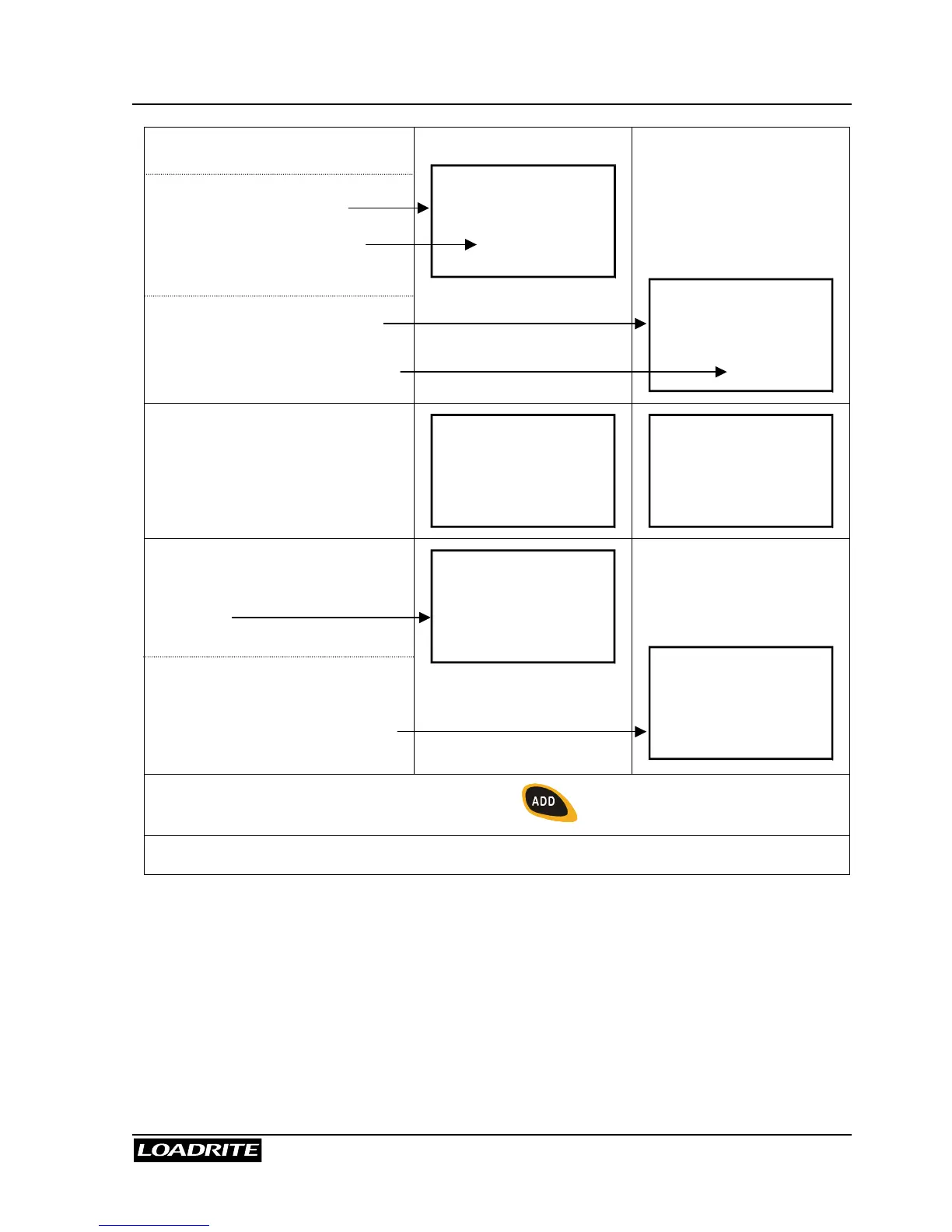
To tip off into truck a weight
of 400kg:
Middle number shows weight
tipped off onto the truck.
Lower number shows total
weight as it is being tipped onto
the truck.
Middle number shows weight
tipped off onto the truck.
Lower number shows the weight
still to be tipped onto the truck.
Truck
0
5600
Truck
0
400
Roll the bucket partially forward,
tipping product into the truck:
with 300kg tipped off so far…
Truck
300
5900
Truck
300
100
The Loadrite displays the
amount that has been tipped
from the bucket and the total in
the truck.
The Loadrite displays the
amount that has been tipped
from the bucket and the weight
still to be tipped onto the truck.
Truck
400
6000
Truck
400
0
When the required truck load is reached, press .
Finally, move away from the truck and dump any product remaining in the bucket.



 To Next Page