LOADRITE PRO OPERATING MANUAL
67
Print Special
This is the most powerful function in the print menu. It allows simple reports
to be printed from the stored data.
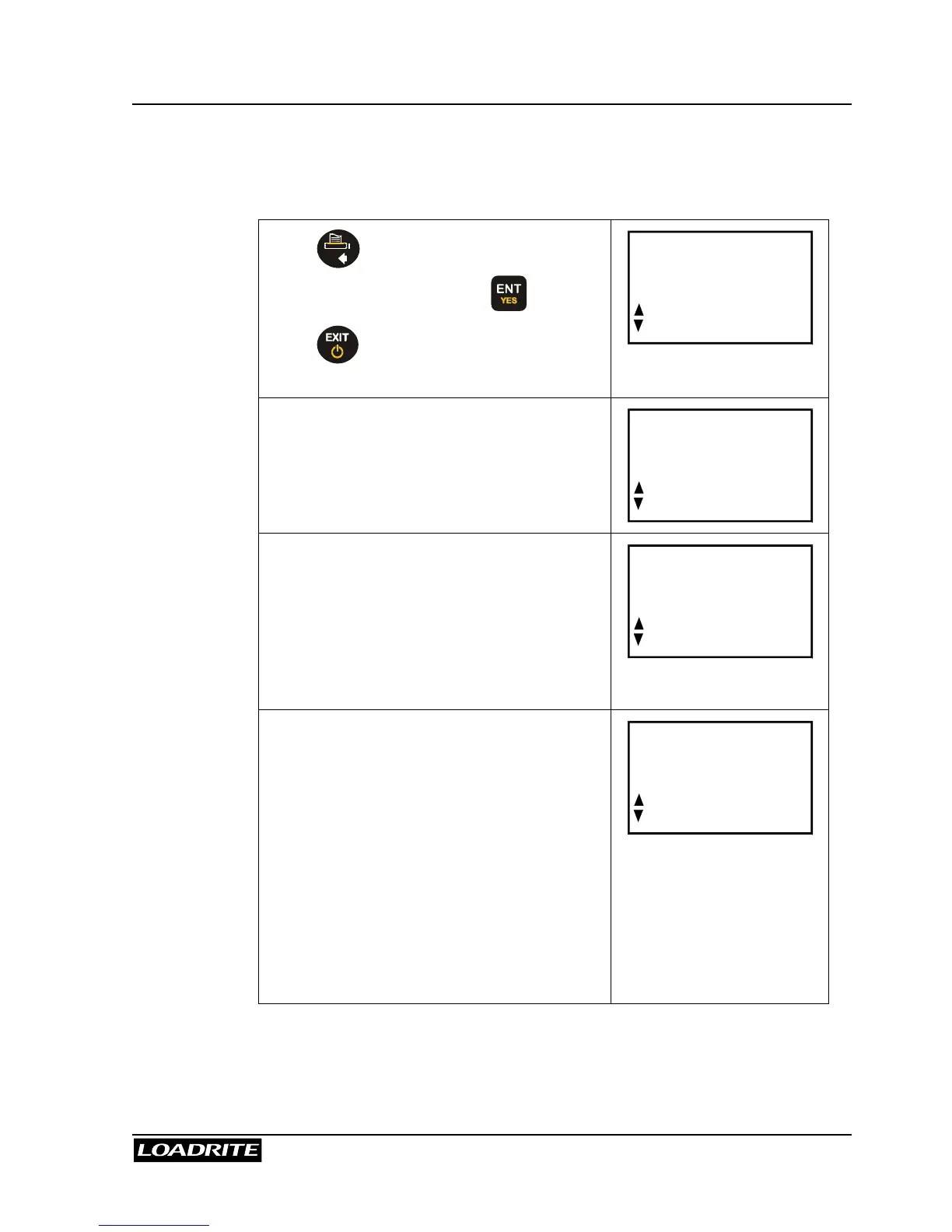
Press and use
5
6
to scroll to
Print Special and press .
Press
at any time to return to the
Ready screen.
Print
Special
Select the type of report:
Summary – Prints a summary of the
selected data.
History – Prints All the selected data.
Format
Summary
Select the period of data to use:
Today – Prints the report based on data
recorded since midnight.
All – Prints the report based on all the
data stored. (This may be meaningless
unless you know the start time).
Period
Today
Select how data is to be grouped (used for
summary reports only):
Totals – The printout is grouped and
summarised by product total.
Customer (Data1) - The printout is
grouped and summarised by Data field 1.
Docket (Data2) - The printout is grouped
and summarised by Data field 2.
Truck (Data3) - The printout is grouped
and summarised by Data field 3.
Group
Totals



 To Next Page