LOADRITE PRO OPERATING MANUAL
3
J K L
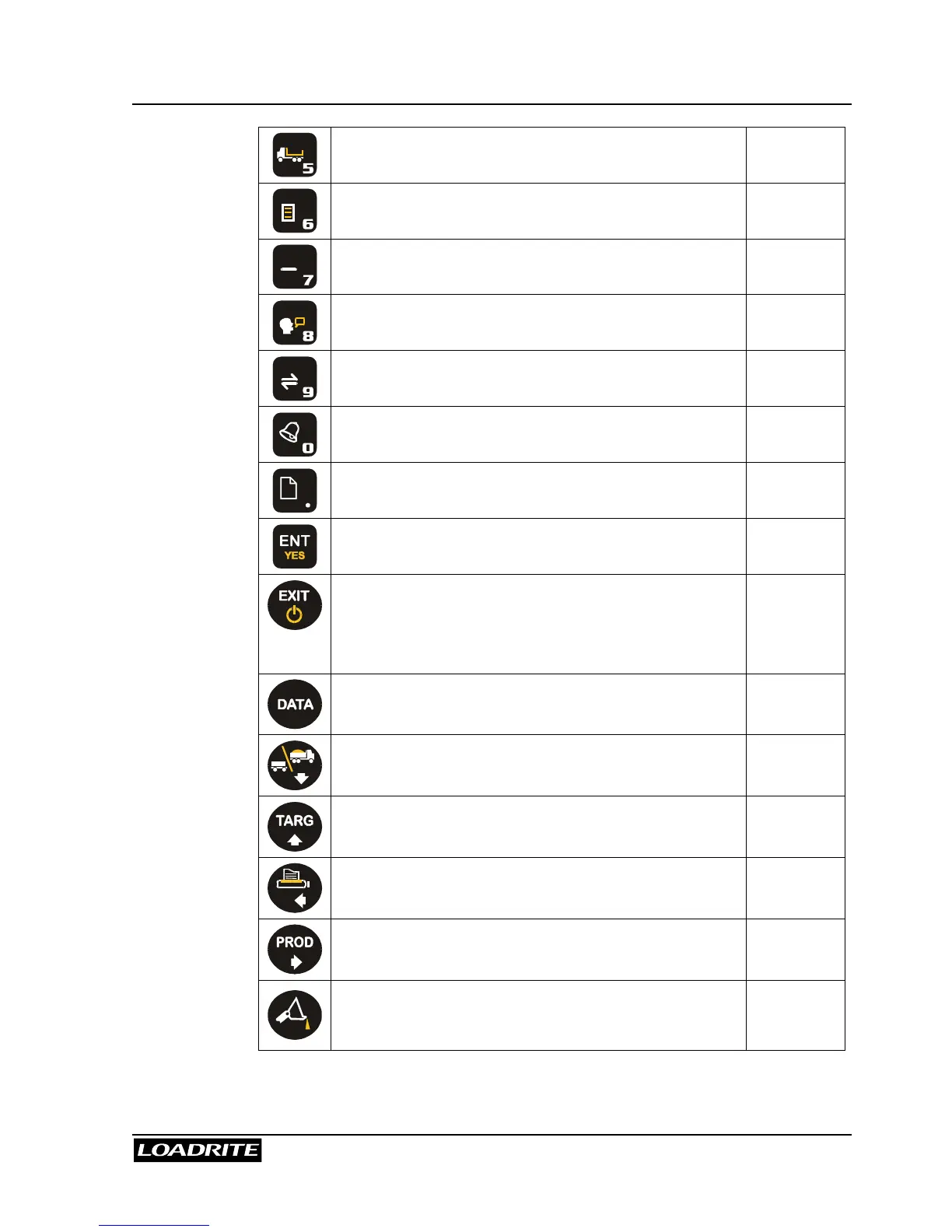
Allows you to enter a tare weight. Page 21
M N O
Accesses the menu Page 56
P Q R S
Subtracts the current load from the total. Page 15
T U V
Toggle language. -
W X Y Z
Accesses conversion. -
View alarm settings. -
i
Decimal point. Also view system information. -
Enter key for accepting data or changes. -
Exits an operation without changing the data.
When pressed on the Ready screen, puts the
Loadrite into standby mode. To return to the
Ready screen, press any key.
-
Allows you to enter additional Data. Page 25
Scroll down. Also enter Total mode. Page 10
Scroll up. Also enter Target mode. Page 32
Scroll left. Also selects the Print functions. Page 64
Scroll right. Also change Product. Page 23
Tip-off weighing. Page 52



 To Next Page