FlyMarker
®
mini 85/45 plus and 120/45 plus
Operating Manual
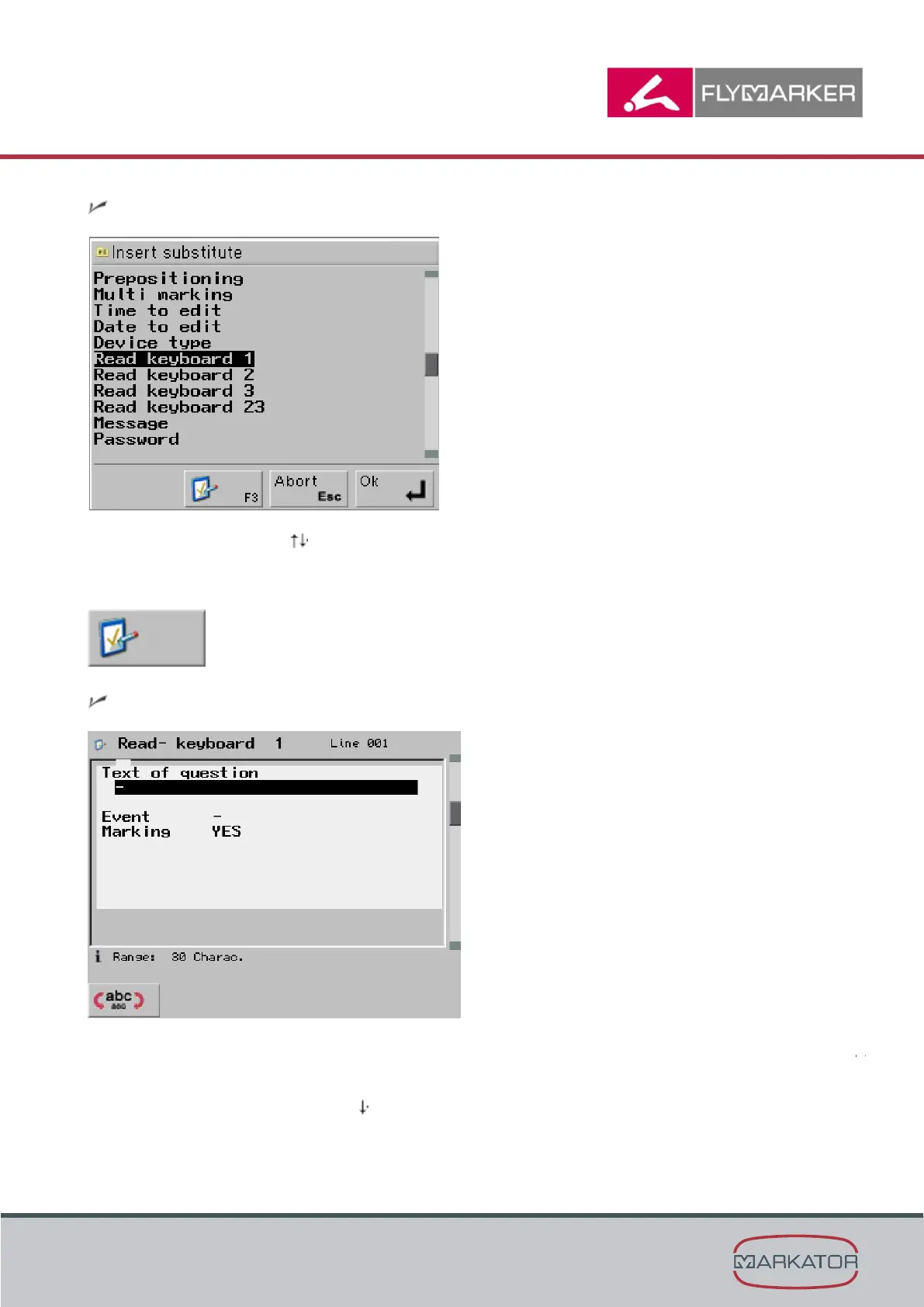
The Insert substitute window appears.
2. Use the arrow keys to select the Read keyboard substitute.
3. Press F3.
The Read keyboard window appears.
4. Enter the prompt text that should be displayed before marking.
Example: “Please enter the item number.”
5. Press Enter or the arrow key .



 To Next Page