FlyMarker
®
mini 85/45 plus and 120/45 plus
Operating Manual
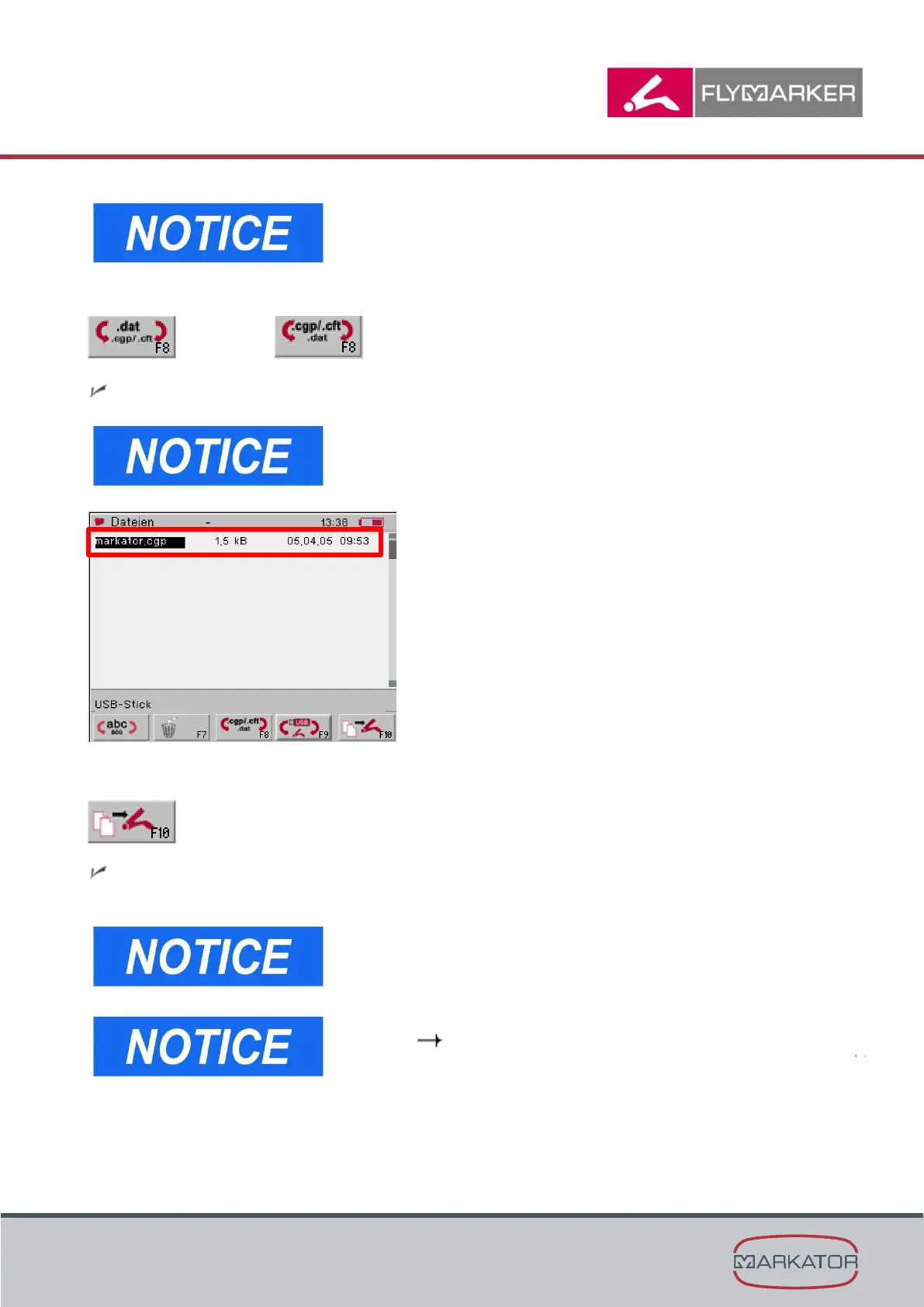
If FlyMarker is displayed, you see the file storage of the
FlyMarker. In this case press F9 again to switch to the
file storage of the USB-stick.
5. Press F8.
switches to:
All logos which are saved on the USB-stick will be displayed.
If .dat files will be displayed, please press F8 again to
switch to the F8 key which shows .cgp/.cft. Then the
logo files will be shown.
6. Press F10.
Logo will be transferred to the FlyMarker and is saved on the storage of the marking
device. The transfer itself can take a few seconds.
Marking files, logos and fonts can be transferred similar
on an USB-stick.
To mark the logo, it has to be inserted into the marking
file. Chapter „Logo configuration/insertion (program
option K: HPGL)“, page 96



 To Next Page