165
WARNING The Reset button must be pressed before another program can be started.
SCU
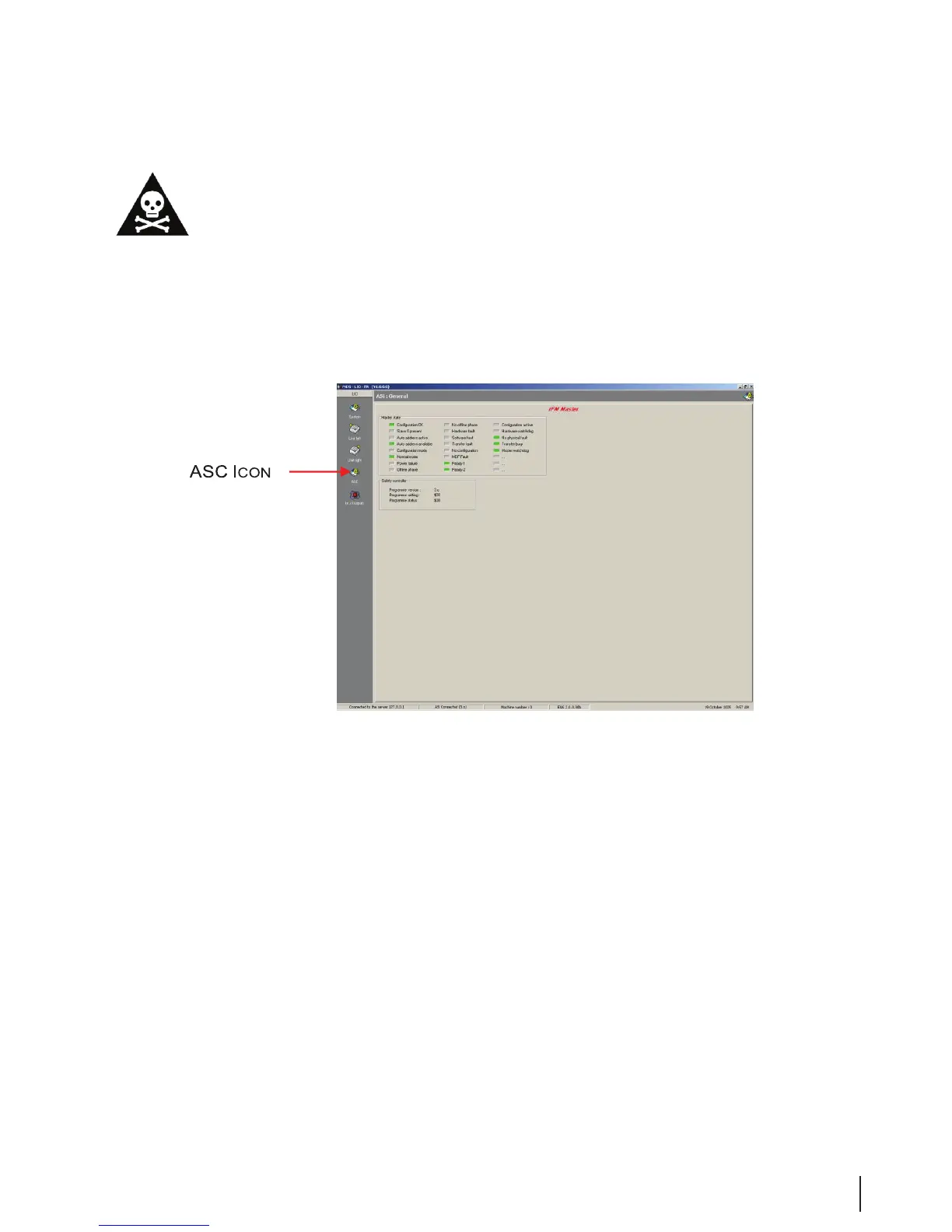
Figure 18 ASC Window
Clicking the ASC icon opens the status overview for the SCU master and safety controller.
In the overview, master states are marked gray, green, or red. A state that is gray is inactive, a green state
is running OK, and deviations are red.
In the safety controller eld, the version number of the safety controller software is reported.



 To Next Page