37
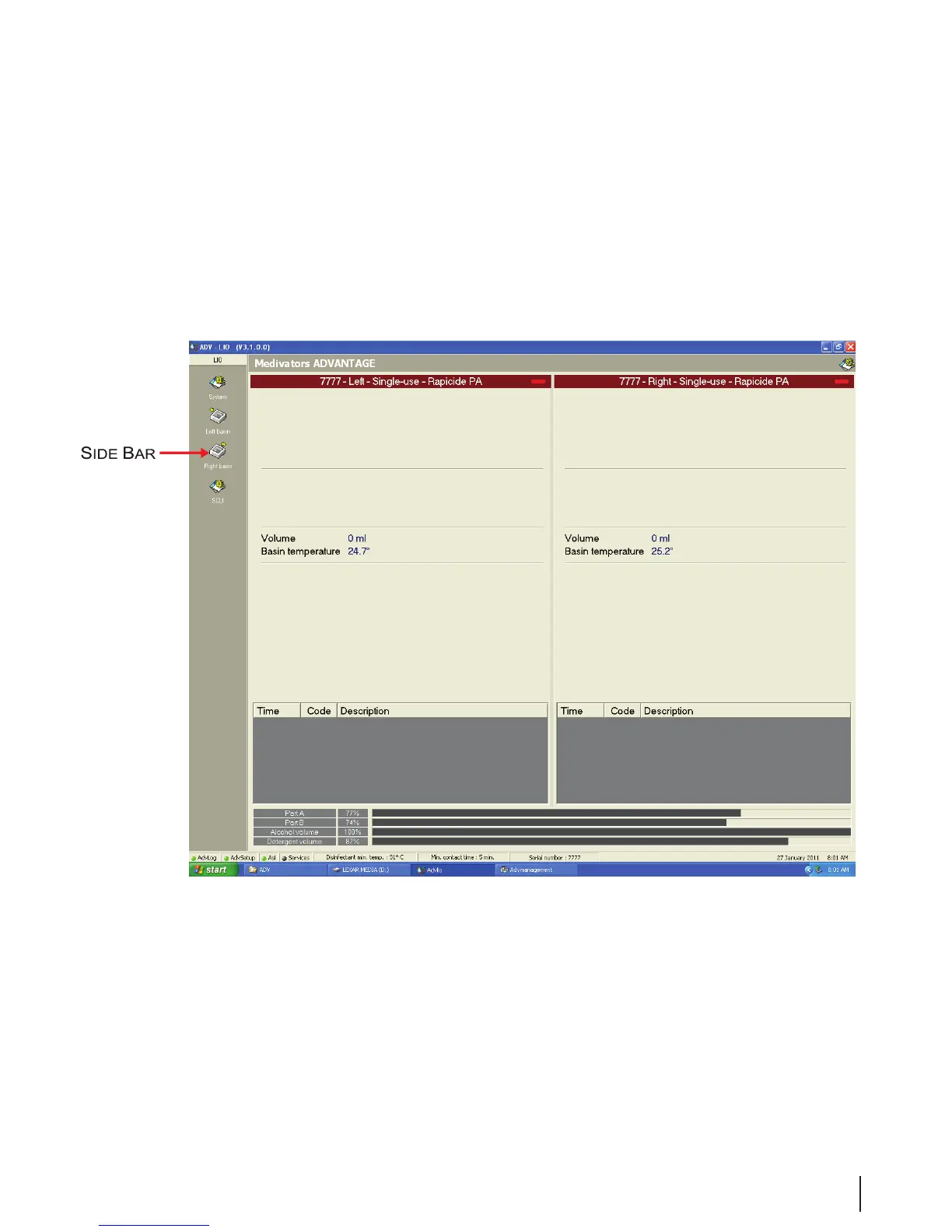
Figure 15 Typical Program Screen
Menu Bar
Each program has a separate release version shown in the upper left corner of the screen. If a system error
occurs, a red message bar appears here until the error is resolved.
The Expert Operation icon appears in the upper right of the menu bar. Double clicking the icon will
display a login dialog box. After logging in, a side bar is displayed on the left with the following icons.
Expert operation is only available to operators with the correct level of user rights.
Figure 16 Side Bar with icons



 To Next Page