39
Reservoir Status
The percentage of alcohol and detergent remaining in the reservoirs is provided at the bottom of the screen.
System Information
The bar at the bottom of the screen provides system communication information, reprocessor identication,
and the software version for your selected language.
MEDIVATORS
®
ADVANTAGE PLUS
®
Automated Endoscope Reprocessor software has two possible
system connections:
1. MEDIVATORS ADVANTAGE PLUS System PC to the MEDIVATORS ADVANTAGE PLUS
System (SCU).
2. MEDIVATORS ADVANTAGE PLUS System PC to a server application (may be networked)
The left eld on the bar indicates if the reprocessor is connected to a server. The next eld to the right
indicates if the PC is correctly connected to the reprocessor SCU. If the PC is disconnected the eld
appears red.
Login Name and Password
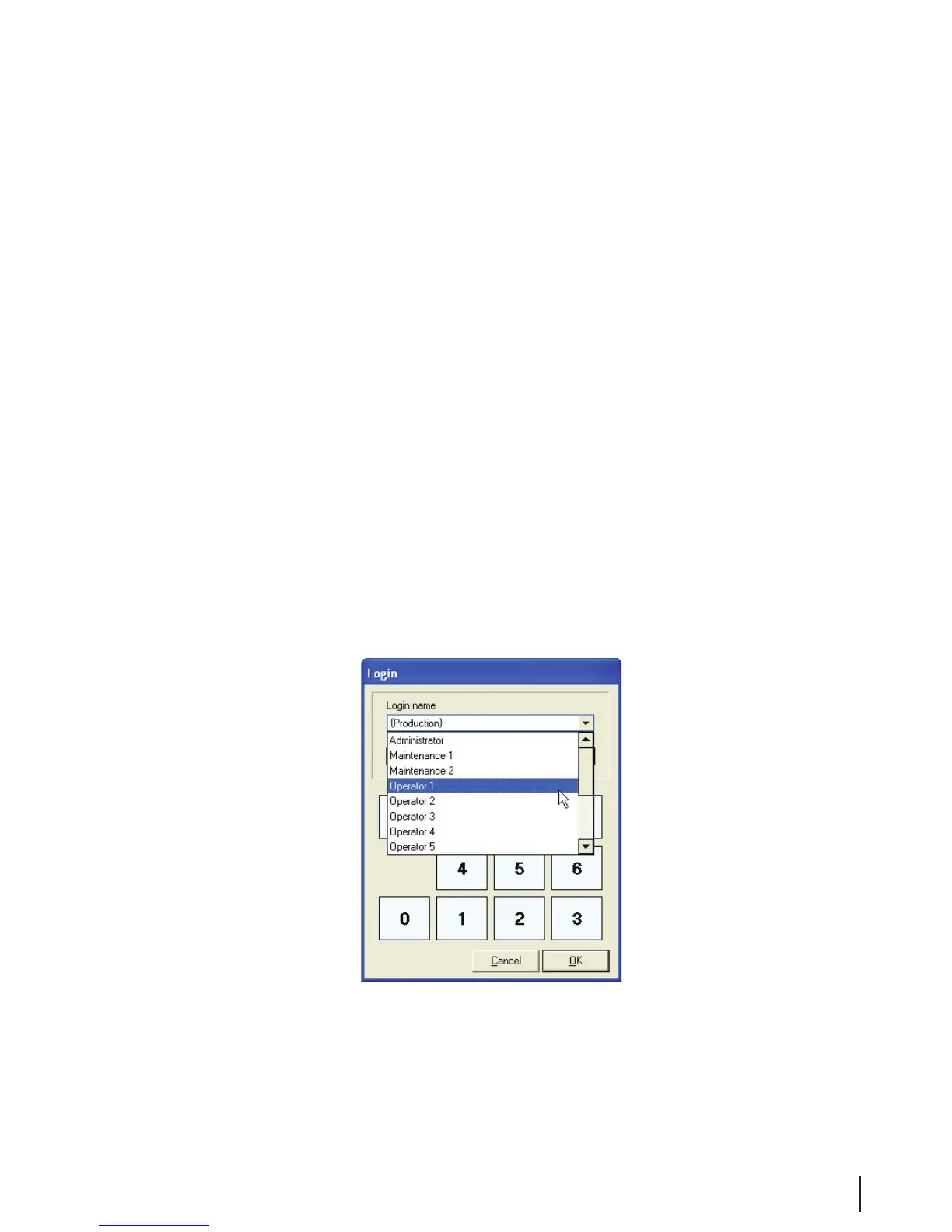
Many processes on the MEDIVATORS ADVANTAGE PLUS System require you to supply a login name
and password. This conrms that you have the proper authorization to run each program. Data gathered
from each process, including the operator’s name, is stored in the database and printed on reports.
To enter your login name, move the cursor to the window. Press the down arrow on the right side and scroll
down until your login name is highlighted. Click on the name to select it.



 To Next Page