72
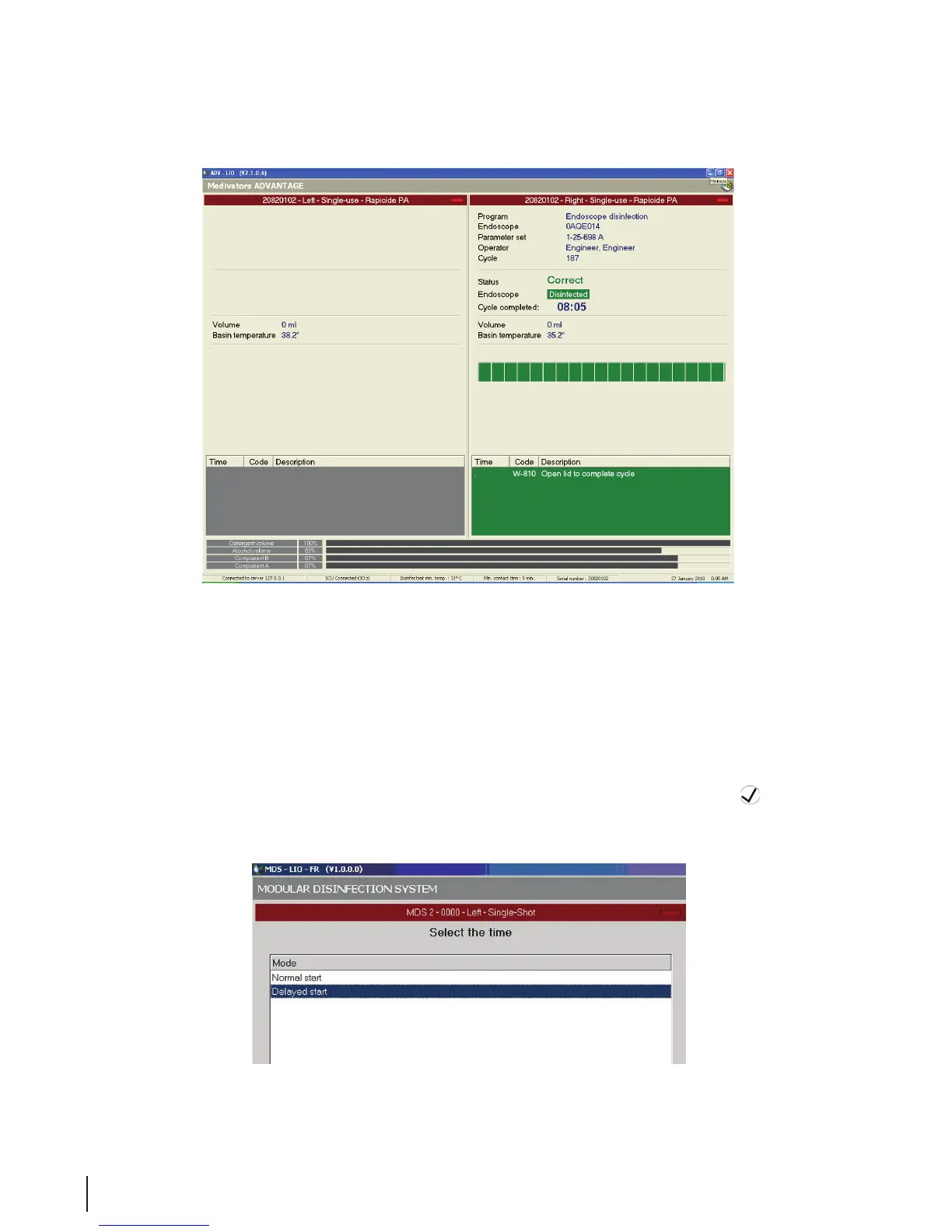
Figure 24 Process Window
Delayed Start
When selecting an delayed start, the endoscope is placed in the basin but the disinfection cycle will not
begin until a pre-determined time. This is an administrative function and is available only during the time
period as set up and allowed by the system administrator.
1. Prepare and connect the endoscope as described in “Run the Disinfection Program”, steps 1-12 for
the normal start above.
2. The Select the Time window opens. Select Delayed Start and press the OK
button. If the
Select the Time window does not open, the delayed start features is not available.
Figure 25 Delayed Start



 To Next Page