82
Printing Reports
Current Report
A cycle log prints automatically whenever the MEDIVATORS
®
ADVANTAGE PLUS
®
Automated
Endoscope Reprocessor module cover opens at the end of a disinfection cycle. To redisplay the current
cycle log, double-click the printer icon in the system tray.
Earlier Reports
All completed cycle logs may be viewed and reprinted at any time from the Management program.
1. Display the Windows desktop by minimizing all running programs.
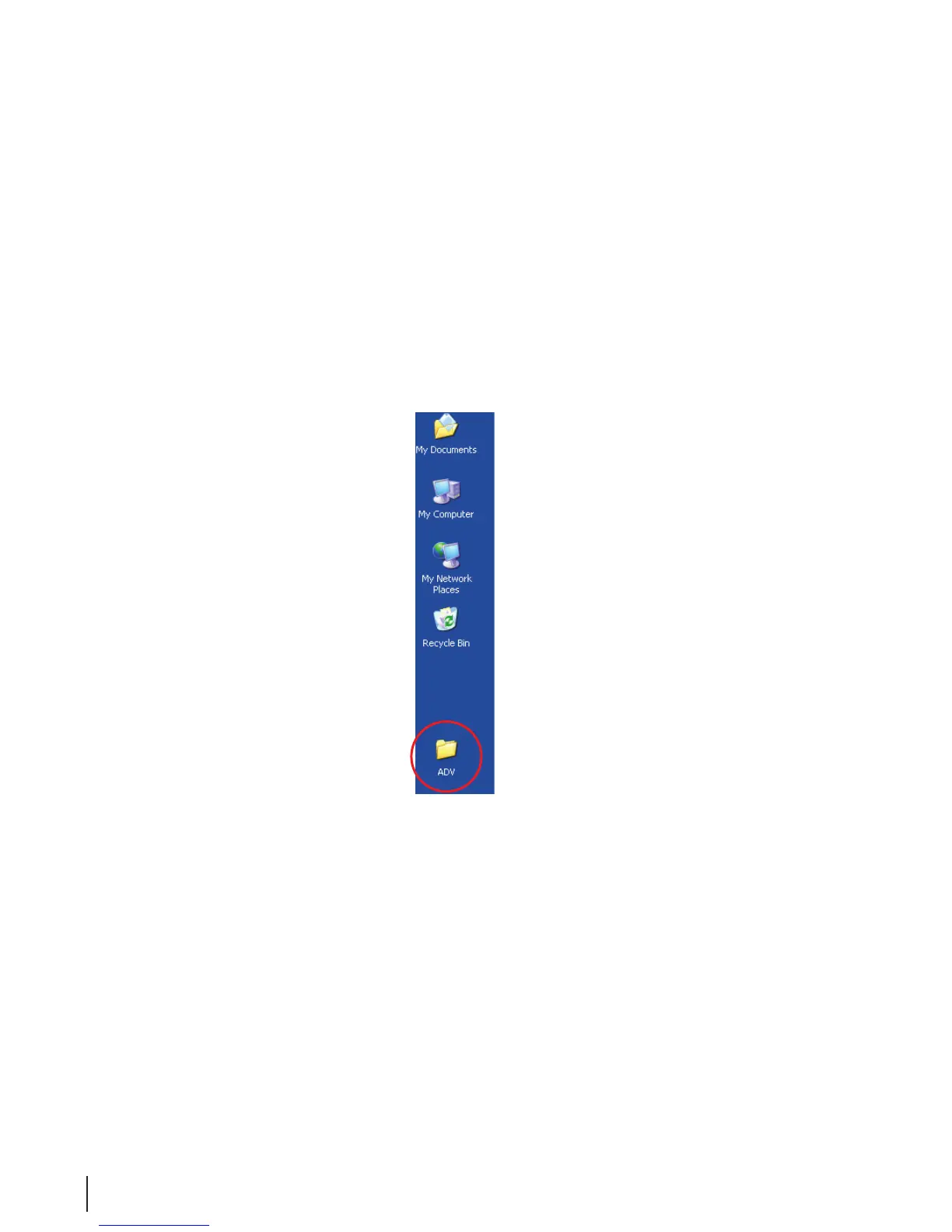
2. Double click on the MEDIVATORS ADVANTAGE PLUS System ADV icon to open the folder.
Figure 29 MEDIVATORS ADVANTAGE PLUS System Desktop Folder
3. Double-click on the Management icon.



 To Next Page