83
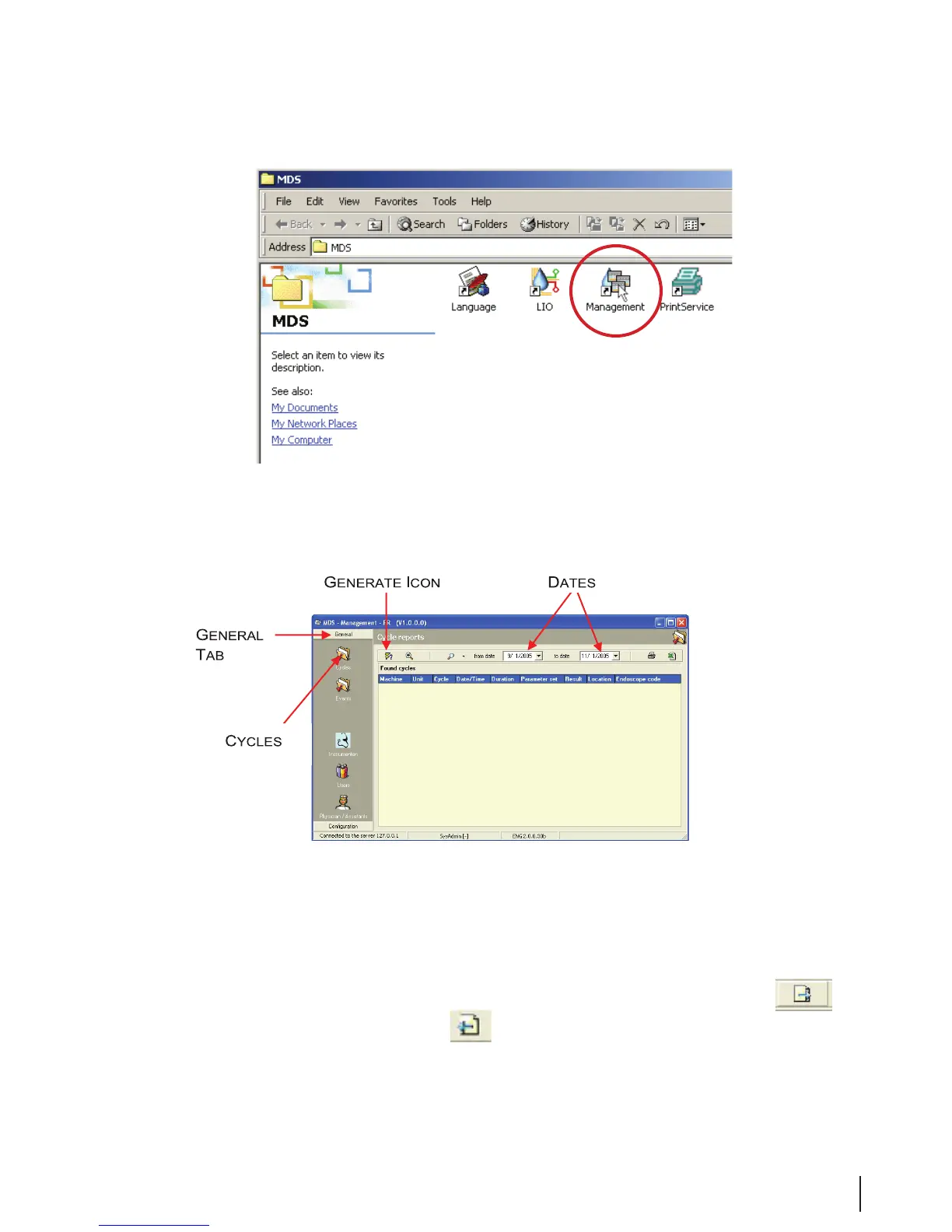
Figure 30 Management Icon
4. Log in to the Management system.
5. On the Management screen sidebar, click on the General tab.
Figure 31 Management Screen
6. On the sidebar, click on the Cycles icon.
7. On the blank Cycle Reports screen, set the From Date and To Date parameters, and then click
on the Generate icon in the toolbar.
8. The Cycle Reports screen opens. Double-click on the desired cycle. Click on the
icon to
display the Cycle Log Screen. Click on to display the detailed Cycle Report.



 To Next Page