Version 1.10 Pag. 183 di 203
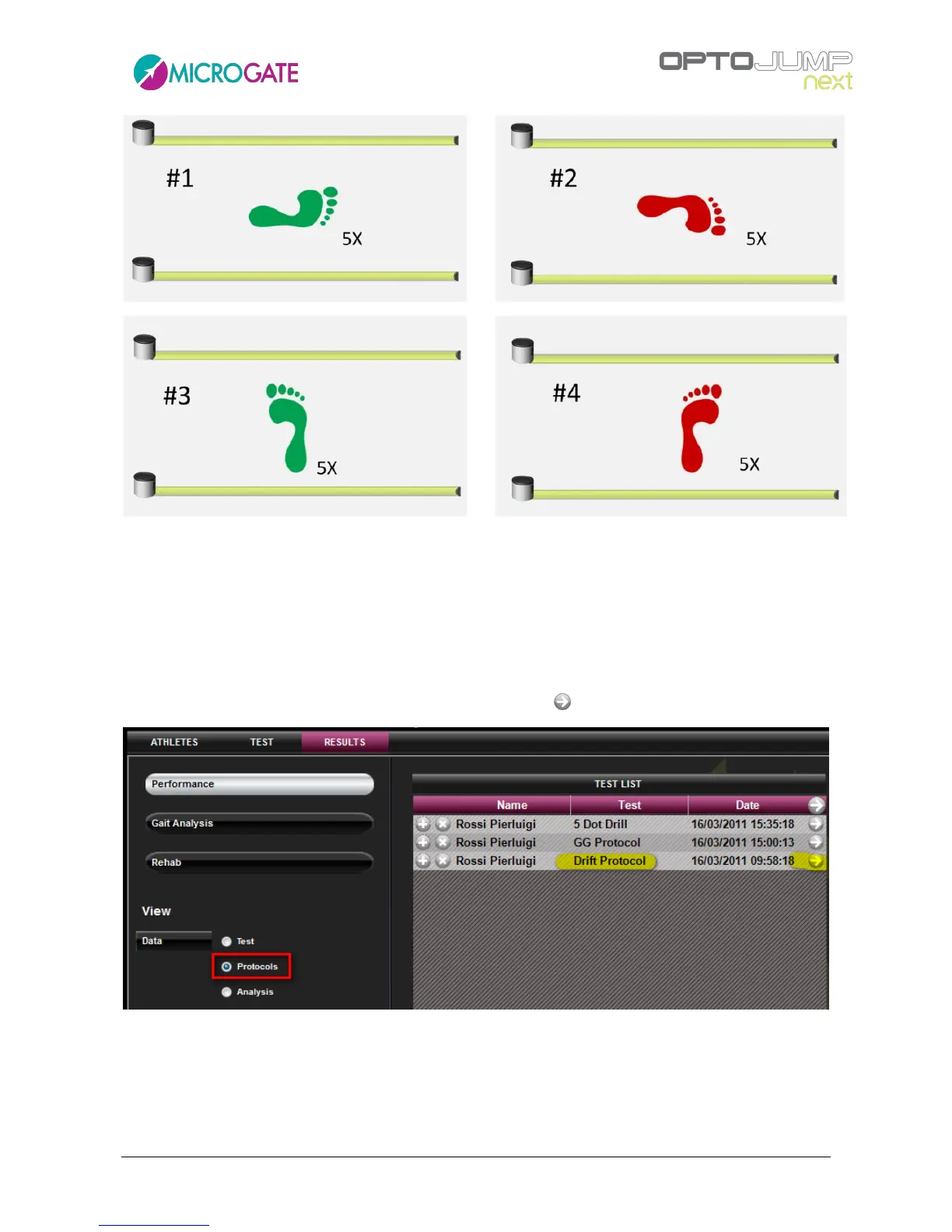
Figure 121 - Drift Protocol sequence
Carry out the 4 tests reminding to press SAVE at the end of each test before moving on to the
following test.
At the end of the protocol go to Results, select the option 'Protocols' from Display>Data and choose
the protocol which has just been executed, with the symbol
Figure 122 - Selecting a protocol to be printed
Double-click on the protocol to be analyzed (or click the button <Display>); a report will be displayed
showing the average jump values divided into right and left leg and, what's even more important,
two graphs allowing to quantify very rapidly the displacements and their direction.



 To Next Page